Your charger used to click firmly into place. Now it wobbles, falls out, or only charges if you hold it at a certain angle. It’s easy to assume the port is broken, but in most cases the culprit is far simpler: months of pocket lint packed tightly into the bottom of the charging port.
Cleaning a charging port takes about five minutes and costs nothing. Done carelessly, though, it can bend the pins or crack the connector and turn a free fix into a paid repair. Here’s how to do it properly for both USB-C and Lightning phones.
Signs Your Charging Port Needs Cleaning
- The cable doesn’t click in fully or feels shallow
- Charging starts and stops when you move the phone
- The phone only charges at a certain angle
- Fast charging no longer kicks in
- Wired headphones or accessories disconnect randomly
- You can see grey fluff when you shine a torch into the port
If several of these sound familiar, there’s a good chance it’s debris rather than damage.
Before You Start: Rule Out the Cable
Try a different charging cable and plug. Cables fail far more often than ports, especially around the connector head. If a second, known-good cable charges perfectly, you’ve found your problem without opening anything up.
What You’ll Need
- A torch, such as another phone’s flashlight
- A wooden or plastic toothpick
- A soft, dry toothbrush or small anti-static brush
- Optional: a plastic dental pick or a dedicated port-cleaning tool
- Optional: a can of compressed air, used carefully and at a distance
Never use: metal pins, SIM ejector tools, paper clips, needles or anything sharp and conductive. Metal can scratch the contacts, bend the delicate centre tongue inside USB-C ports, or short the pins.
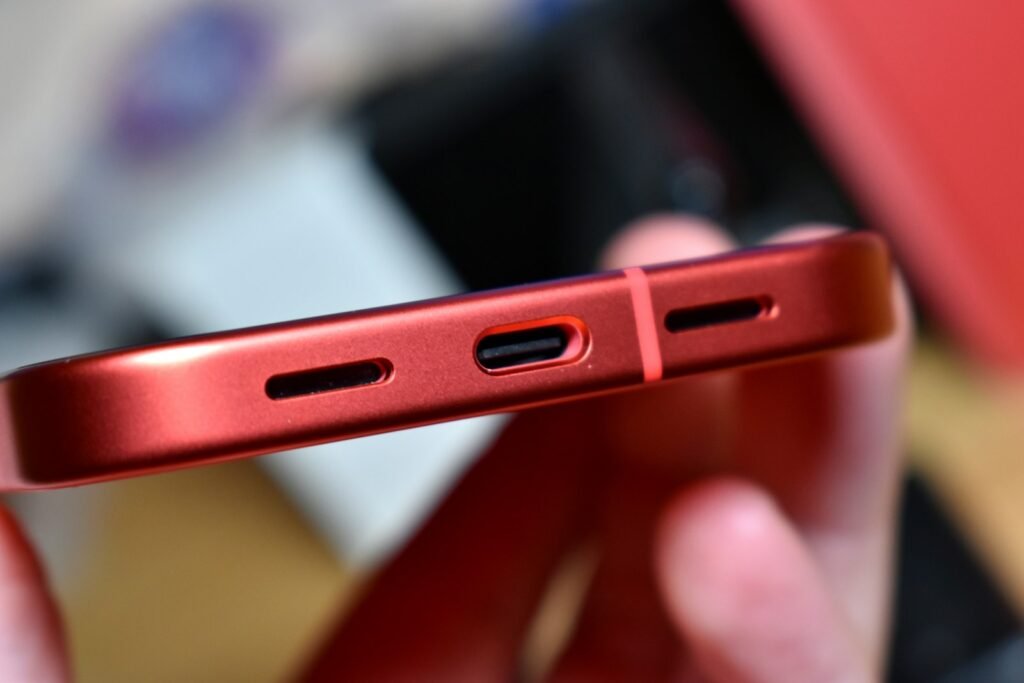
How to Clean a USB-C Charging Port
USB-C ports have a thin plastic “tongue” in the middle with contacts on both sides. That tongue is the fragile part, so work around it, not on it.
- Turn the phone off. This removes any chance of a short.
- Look inside with a torch. Lint usually packs into the back wall and the gaps above and below the tongue.
- Loosen the debris. Slide the flat edge of a wooden toothpick gently along the gap above the tongue, from the back towards the opening. Repeat for the gap below.
- Lift it out. Fluff often comes out as a compressed felt-like strip. Pull it towards you rather than pushing it further in.
- Brush the opening. Use a dry toothbrush to sweep loose dust out.
- Test. Plug in the charger. A clean port gives a firm, satisfying click.
How to Clean a Lightning Port (Older iPhones)
Lightning ports are simpler. There’s no centre tongue, and the contacts sit on the inner walls, so lint compacts against the back wall.
- Turn the iPhone off.
- Shine a torch into the port.
- Use a wooden toothpick to scrape gently along the back wall and lift debris towards you.
- Avoid pressing hard on the side walls, where the contacts are.
- Brush out the loose dust and test with a cable.
Apple’s own iPhone support pages also suggest checking for debris in the port before assuming a fault.
Should You Use Compressed Air?
It can help with loose dust, but use it carefully:
- Hold the can upright to avoid spraying liquid propellant
- Use short bursts from several centimetres away
- Never blow with your mouth, because breath contains moisture
Compressed air rarely shifts compacted lint on its own, so treat it as a final clean-up step, not the main tool.
What About Liquids?
For a port that’s sticky from a spill, a toothbrush very lightly dampened with high-percentage isopropyl alcohol (90% or more) can help. Use only a tiny amount, and leave the phone off for at least 30 minutes so it evaporates completely. Never use water, household cleaners or anything that leaves residue.
Real Example: The “Dead” Port That Wasn’t
One of the most common bench jobs in any repair shop goes like this. A customer brings in a two-year-old phone that “won’t charge unless the cable is held up.” They’ve already bought two new cables and a new plug. A quick look with a torch shows a grey, felt-like layer at the back of the port, about a millimetre thick, built up from months in a jeans pocket. Five minutes with a wooden pick removes it in one piece, the cable clicks in properly, and the phone charges at full speed again. No parts, no repair bill.
That’s why it’s always worth cleaning before paying for a port replacement. It doesn’t fix every case, but it fixes a surprising number.
How Often Should You Clean the Port?
There’s no need to clean it on a schedule if it’s working well. As a rough guide:
- Phone lives in trouser pockets: check every two to three months
- Phone lives in a bag or on a desk: check every six months
- Work sites, farms or dusty environments: check monthly, and consider a port plug
The first sign to watch for is a cable that no longer clicks in firmly. Catching lint early makes it much easier to remove.
When Cleaning Doesn’t Fix It
If the port is visibly clean and charging is still unreliable with a known-good cable, the issue may be:
- A worn or damaged port. Loose solder joints or bent contacts after years of use or a drop.
- Corrosion. Green or white residue after water exposure.
- A battery or board fault. Especially if the phone also drains fast or shuts down unexpectedly.
On many phones the charging port sits on a small, replaceable board, which makes it a fairly affordable repair. Our phone not charging checklist walks through the full diagnosis, and if the battery is the real issue, see our phone battery replacement guide.
How to Keep Your Charging Port Clean
- Use a case with a port flap if you keep your phone in a fleecy pocket
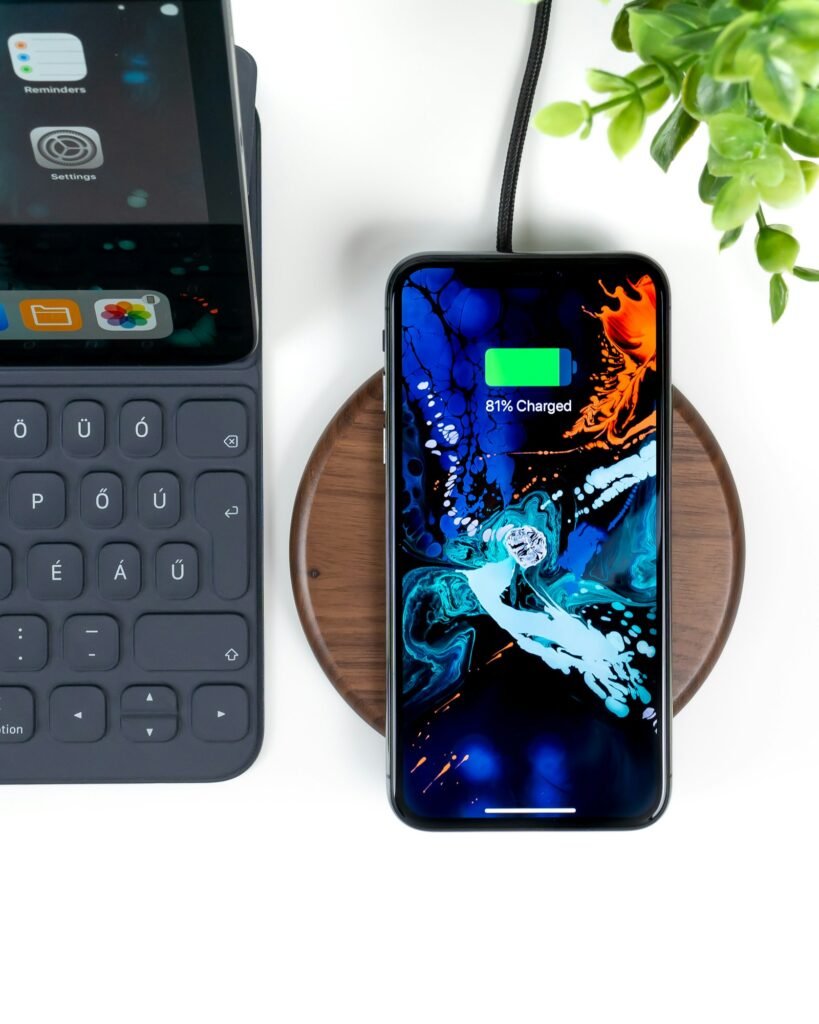
- Use wireless charging sometimes to reduce port wear
- Check it every few months with a torch
- Keep your phone out of the bottom of bags, where crumbs and dust collect
- Plug in straight, not at an angle, to avoid stressing the connector
Frequently Asked Questions
Can lint really stop a phone charging?
Yes. Compacted lint prevents the plug from seating fully, so the contacts don’t meet properly. It’s one of the most common causes of “broken” charging ports.
Is it safe to use a SIM tool to clean the port?
No. It’s metal and sharp, and can scratch contacts or bend the USB-C tongue. Stick to wood or plastic.
How much does a charging port repair cost?
It depends on the phone. Models with a modular charging board are usually cheaper than ones where the port is soldered to the main board. Always get a quote first.
Will cleaning the port affect water resistance?
Gentle cleaning won’t. Scratching or forcing tools into the port could damage seals, which is another reason to avoid metal tools.
The Bottom Line
Before paying for a port repair, grab a torch and a wooden toothpick. In many cases, five careful minutes of cleaning brings back a firm click and reliable charging. Work gently, avoid metal, and test with a known-good cable. Find more easy fixes in our Tips & Maintenance section.