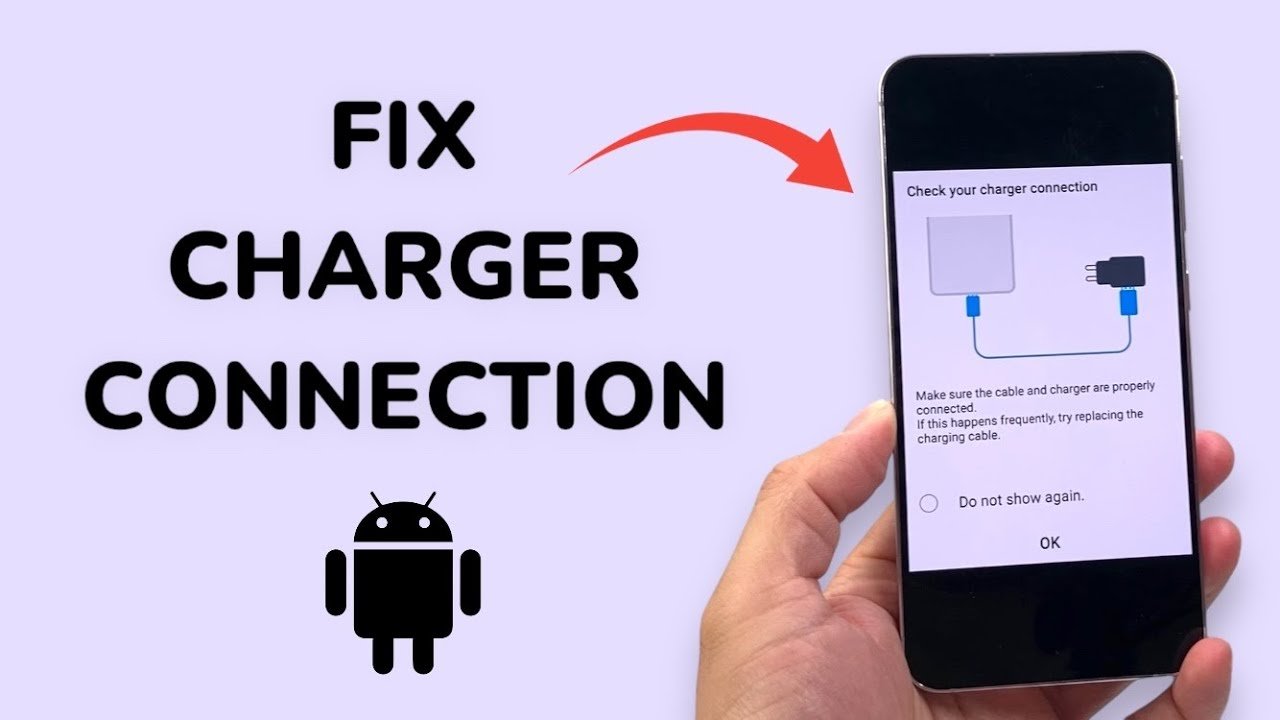
You plug your phone in, and nothing happens. No lightning bolt, no charging sound, and a battery that keeps sinking. Before you book a repair or buy a new phone, know that a large share of charging problems come from cheap, fixable causes: a tired cable, a dirty port, or a software glitch. This guide walks through eight safe checks in order from easiest to most involved, and it fits alongside everything in our Phone Repair Guides section.
Why Phones Stop Charging
A phone can fail to charge for four broad reasons: the cable or adapter has failed, the charging port is blocked or damaged, the software is misreading the connection, or the battery or charging circuit inside the phone has a fault. Because the first three are cheap to check and the last is expensive, always work through the list in order.
Safety First
- Never charge a phone that has been in water until it is fully dry and has been checked
- Stop using a phone with a swollen, bulging, or leaking battery, and do not charge it
- Do not use metal pins, needles, or blades in the charging port
- Do not pry open a phone unless you have the right tools and experience
- Back up important data as soon as the phone will allow it
Check 1: Try a Different Cable, Adapter, and Outlet
Cables wear out where they bend, and adapters can fail silently. Swap in a cable and adapter you know work, ideally from the phone’s maker or a reputable brand. Try a different wall outlet or a different USB port on a computer too. If the phone charges with different accessories, you have your answer, and the fix costs a few dollars.
Check 2: Restart or Force Restart the Phone
Software can get stuck and stop recognising a charger. Hold the power button and restart normally. If the phone is frozen, use the force-restart method for your model, which usually involves a specific button combination listed on your manufacturer’s support pages, such as Apple Support or Google Pixel Help. Then try charging again.
Check 3: Inspect and Gently Clean the Charging Port
Pocket lint is the most common hidden culprit. It packs into the port and stops the plug seating fully. Power the phone off, shine a torch into the port, and look for compacted debris.
- Turn the phone off completely
- Use a wooden or plastic toothpick, never metal
- Gently scrape along the sides and lift out lint without pushing it deeper
- Do not use liquids or spray directly into the port
- Try charging again after cleaning
If the port looks bent, corroded, or loose, stop and move on to professional repair.
Check 4: Look for Damage on the Cable Ends and Adapter
Inspect the plug for bent contacts, discolouration, or burn marks, and check the adapter for a rattle or a hot smell. Damaged accessories can be a safety hazard, so replace them rather than repairing them.
Check 5: Try Wireless Charging, If Your Phone Supports It
If your phone charges on a wireless pad but not through the cable, the battery is probably healthy and the problem lies with the port or cable. If neither works, the fault is more likely software or the battery itself. This single test can save you from paying for the wrong repair.
Check 6: Update the Software
Charging bugs are sometimes fixed in updates. If the phone will charge briefly, connect to Wi-Fi and install any pending system update. If it will not stay on long enough, try again after a few minutes on a known-good charger.
Check 7: Check for Liquid or Moisture Warnings
Many phones show a warning when moisture is detected in the port and refuse to charge until it dries. Follow the on-screen advice, let the phone dry in open air, and avoid rice or heaters. If the phone has been submerged or you see corrosion, get it checked professionally.
Check 8: Look at Battery Health
Open battery settings to see battery health or capacity where your phone reports it. A battery that has dropped far below its original capacity may shut down suddenly, charge unevenly, or stop charging in cold conditions. At that point a battery replacement is usually the fix, and it is often much cheaper than a new phone.
Repair or Replace? A Simple Guide
| Symptom | Likely cause | DIY check? | Usual outcome |
| Charges with another cable | Faulty cable or adapter | Yes | Replace the accessory |
| Charges only at a certain angle | Dirty or worn port | Clean carefully | Clean or replace the port |
| Fast drain and sudden shutdowns | Worn battery | Check battery health | Replace the battery |
| Swollen back or screen lifting | Damaged battery | No, stop using it | Professional replacement |
| Nothing works after all checks | Charging circuit fault | No | Repair or replace the phone |
See our wider Repair vs Replace guides for how to weigh the cost of a repair against a new phone.
How to Choose a Repair Shop
- Ask whether parts are genuine, original-equivalent, or aftermarket
- Get a written quote and a warranty period on the repair
- Check independent reviews rather than only the shop’s own
- Confirm what happens if they find extra damage
- Ask them to test the phone in front of you when you collect it
Protect Your Data Before Any Repair
Back up your photos, contacts, and messages before handing the phone over, and turn off lock features such as find-my-device only when the repairer requires it. Take a few photos of your phone’s condition. A backup takes minutes and protects years of memories.
Disposing of a Damaged Battery Safely
Never throw a swollen or damaged lithium-ion battery into household rubbish. Take it to a proper recycling point, and see guidance from bodies such as the U.S. EPA on used lithium-ion batteries, or your local council’s e-waste service in the UK.
How to Prevent Charging Problems in Future
Pull plugs out by the connector rather than the cable, keep your port free of lint by storing the phone in a clean pocket or case, avoid charging in hot places, and replace frayed cables early. For more maintenance ideas, read the advice in our Tips & Maintenance section.
What a Professional Repair Usually Involves
A technician will normally test with known-good accessories first, then inspect the port under magnification and check battery health. Cleaning a port is quick and inexpensive, while replacing a charging port or battery requires opening the phone and takes longer. Ask whether repairs are done in store the same day and what warranty covers the new part.
Warranty, Insurance, and Your Consumer Rights
If your phone is fairly new and the fault is not accidental damage, check the manufacturer’s warranty before paying anyone. In the UK, the Consumer Rights Act generally expects goods to be of satisfactory quality, so a young phone with a failing charge port may be covered by the seller. Also check any phone insurance or bank account benefits you already pay for, since many people forget they have them.
Special Cases: Cold Weather, Cases, and Fast Chargers
- Cold can temporarily stop charging or shrink battery capacity, so warm the phone to room temperature and try again
- A thick or metallic case can block wireless charging or press on the port, so remove it during testing
- Some fast chargers only reach top speed with compatible cables, so a mismatch can look like a fault
- Charging from a laptop USB port may be slower than using a wall adapter
Rule these out before assuming the phone itself is broken.
When the Problem Is Deeper Inside the Phone
If the phone refuses to charge with several known-good accessories, has a clean and undamaged port, and shows no software problem, the fault may be in the charging circuit on the main board. Board-level repairs need specialist tools and skills, so compare the quote with the phone’s value before committing.
A Quick Emergency Plan If Your Phone Is Almost Dead
If you need the phone urgently, borrow a known-good charger, try a wireless pad, or use a power bank while you troubleshoot. Back up what you can, then work through the checks in order rather than paying for the first fix someone suggests.
Frequently Asked Questions
Can a dirty port really stop a phone charging?
Yes. Compacted lint stops the plug seating properly, and gentle cleaning with a wooden or plastic pick often restores charging.
Is it safe to charge a phone that got wet?
No. Let it dry fully and have it checked, because charging a wet port can cause corrosion and damage.
How much does charging port repair cost?
Prices vary widely by model and shop, so get a written quote and compare it with the phone’s current value.
The Bottom Line
Most charging faults come down to cables, dirt, or software, and eight simple checks will find the cause before you spend on repairs. Stay safe with damaged batteries, back up your data, and use the repair-or-replace table to decide sensibly. Browse more practical guides on iFixit UK.