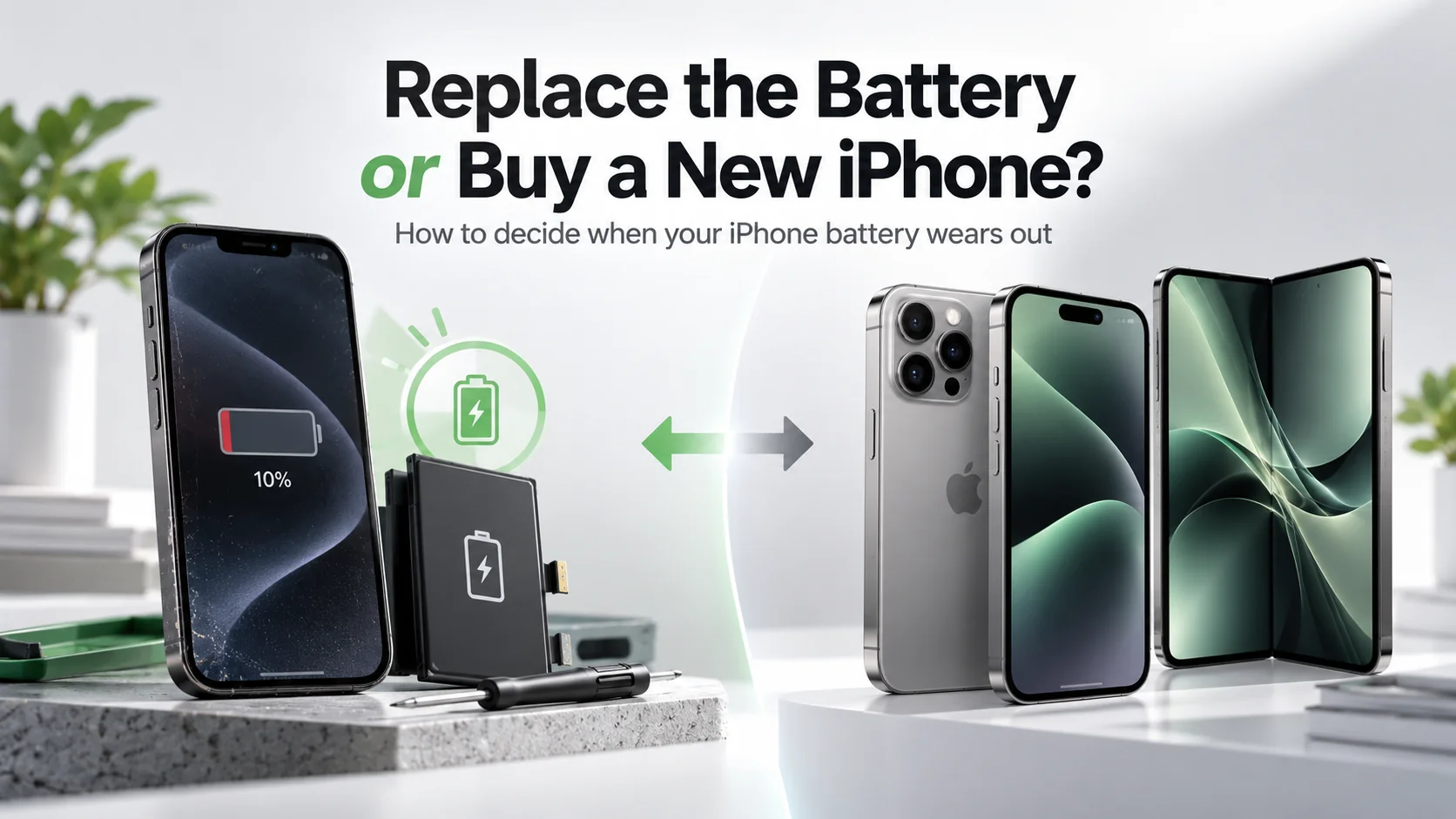
Your phone used to last all day. Now it’s at 30% by lunchtime, it shuts down in the cold, and it feels sluggish when you open the camera. The obvious reaction is to start browsing new phones. Before you spend £800 or more, though, it’s worth asking a simpler question: is the phone actually finished, or is it just the battery?
In our repair work, a worn battery is the single most common reason people think their phone is “dying.” Very often, a battery swap costing a fraction of a new handset brings it back to life. In other cases, putting money into an old phone is simply throwing good money after bad. This guide gives you a clear, five-question test to decide. If you’d like to understand why batteries wear out in the first place, start with our phone battery health guide.
Why Phone Batteries Wear Out
Every smartphone uses a lithium-ion battery, and every lithium-ion battery loses capacity as it ages. Each charge cycle causes tiny chemical changes inside the cell. Heat, fast charging in a hot environment and regularly running the battery to 0% all speed this up.
Most manufacturers design phone batteries to keep about 80% of their original capacity after 500 to 1,000 full charge cycles. For a typical user, that means the battery starts to feel noticeably weaker somewhere between two and three years of use.
The important point is this: the battery is a consumable part. Like tyres on a car, it’s designed to be replaced. A tired battery doesn’t mean the rest of the phone is worn out.
7 Signs Your Phone Battery Needs Replacing
Before deciding anything, confirm the battery really is the problem. Look for these signs:
- Battery health is below 80%. On iPhone, check Settings > Battery > Battery Health & Charging. On Samsung, use the Samsung Members app > Diagnostics. Recent Pixels show it under Settings > Battery > Battery health.
- Sudden shutdowns at 15%, 20% or even higher, especially in cold weather.
- The phone slows down when the battery is low or during demanding tasks like the camera.
- Charging behaves strangely, jumping from 40% to 10% or taking much longer than it used to.
- The phone gets hot while idle or during normal use.
- The screen or back is lifting. This can mean a swollen battery. Stop using and charging the phone immediately.
- You charge two or three times a day with the same habits you’ve always had.
If you notice a swollen battery, don’t try to press the case closed. Swollen lithium-ion batteries can be a fire risk. Get it looked at by a repair shop straight away.
The 5-Question Test: Repair or Replace?
This is the framework we use when customers ask whether a repair is worth it. Answer each question honestly.
Question 1: Is the Phone Still Getting Software Updates?
This is the most important question. A phone that no longer receives security updates becomes riskier to use for banking, email and payments, no matter how good its battery is.
- Still supported for 2+ years: Strong case for a battery replacement.
- Support ends within a year: Think carefully; the money may be better put towards a new phone.
- No longer supported: Usually time to upgrade.
Apple typically supports iPhones for six years or more, while Google and Samsung now promise up to seven years of updates on recent flagship models.
Question 2: Is the Battery the Only Real Problem?
Make a quick list of everything that bothers you about the phone. If the only complaint is battery life, a replacement will likely solve it. If you also have a cracked screen, a failing camera, a loose charging port and not enough storage, the total repair bill climbs quickly.
Remember: “my phone is slow” is often a battery issue. Many phones reduce performance when the battery can’t deliver enough power. A fresh battery can remove that slowdown.
Question 3: Does the Repair Cost Less Than Half the Phone’s Value?
Use the 50% rule. Add up the total cost of the repairs you need, then compare it with what your phone would sell for second-hand in good condition.
- Repair cost under 50% of the phone’s value: Repair it.
- Repair cost over 50%: Upgrading usually makes more financial sense.
Battery replacements on their own almost always pass this test for phones less than four years old.
Question 4: Are You Happy With the Phone Otherwise?
If you still like the camera, the size and the performance, a new battery gives you a phone you already enjoy, with a fresh start. If you’ve been wanting a better camera or more storage anyway, the battery may just be the nudge you needed to upgrade.
Question 5: How Old Is the Phone?
As a rough guide:
| Phone age | Our usual recommendation |
|---|---|
| Under 2 years | Check warranty first; battery may be covered |
| 2 to 4 years | Replace the battery in most cases |
| 4 to 5 years | Replace only if updates continue and nothing else is failing |
| 5+ years | Usually upgrade, unless budget is very tight |
What Does a Battery Replacement Involve?
You have three main routes:
1. Official manufacturer repair. Apple, Samsung and Google offer battery services through their own stores or authorised repairers. You get a genuine part, and the phone records the repair properly. Apple lists its battery service options on its official battery replacement page.
2. Independent repair shop. Often faster and cheaper, with same-day service. Ask whether they use original or high-quality aftermarket parts and what warranty they give. A reputable shop should offer at least a 3 to 6 month warranty.
3. DIY replacement. Possible on many phones with the right tools and patience, but it’s fiddly. Batteries are glued in, screens can crack during opening, and puncturing a battery is dangerous. Our DIY phone repair tools guide explains what you’d need, but for most people, a professional repair is safer.
Original vs Aftermarket Batteries
This question comes up all the time, so here’s the honest answer:
- Original (genuine) batteries offer the best reliability, accurate battery health readings and no warning messages.
- Quality aftermarket batteries are cheaper and perfectly fine for an older phone you want to keep for another year or two.
- Cheap no-brand batteries are a false economy. They often lose capacity quickly and, in rare cases, can be unsafe.
On recent iPhones, a non-genuine battery may show an “Unknown Part” message in Settings. The phone still works, but battery health data may not display.
Real-World Scenarios
Here’s how the test plays out in common situations:
- Three-year-old phone, 76% battery health, no other issues: Replace the battery. It’s the classic case where repair wins.
- Three-year-old phone, worn battery and a cracked screen: Add both repair costs together. If the total is under half the phone’s value, repair; otherwise, upgrade.
- Six-year-old phone that has stopped getting updates: Upgrade. A new battery can’t fix missing security patches.
- One-year-old phone draining quickly: Check battery health and warranty first. Fast drain on a new phone is often a software issue, not a worn battery.
If you do decide to upgrade, our refurbished phone buying guide shows how to get a newer model for much less than full price.
Repair Is Also Better for the Planet
Manufacturing a new smartphone accounts for most of its lifetime carbon footprint. Keeping your current phone for an extra year or two is one of the simplest ways to reduce electronic waste. The EU is also pushing in this direction: its new batteries regulation aims to make portable batteries easier for users to remove and replace from 2027, which is likely to influence phones sold in the UK too.
How to Make Your New Battery Last Longer
Once you’ve replaced the battery, a few habits help it stay healthy:
- Turn on Optimised Charging (iPhone) or Adaptive Charging (Android).
- Avoid leaving your phone in hot cars or charging it under a pillow.
- Try to keep the charge between roughly 20% and 80% day to day.
- Use a good-quality charger and cable.
- Remove thick cases if the phone gets warm while charging.
Final Verdict
For most phones under four years old that still receive updates, replacing the battery is the smarter choice. It’s cheaper, faster and better for the environment. Upgrade when the phone has lost software support, needs several expensive repairs, or simply no longer meets your needs. Run through the five questions above and the right answer usually becomes obvious within a few minutes.
Frequently Asked Questions
How long does a phone battery replacement take? Most repair shops can replace a battery in 30 to 60 minutes. Manufacturer mail-in services may take several days.
Will a new battery make my phone faster? Often, yes. If your phone was slowing down to protect a worn battery, a new one can restore normal performance.
Is it safe to keep using a phone with 75% battery health? Yes, as long as the battery isn’t swollen or overheating. You’ll simply get shorter battery life.
Can I replace my phone battery myself? On many phones, yes, with the right tools, but it carries risks. A professional repair is safer for most people.
Wondering what the law says about getting parts? Our guide to the right to repair in the UK explains what is and is not covered.