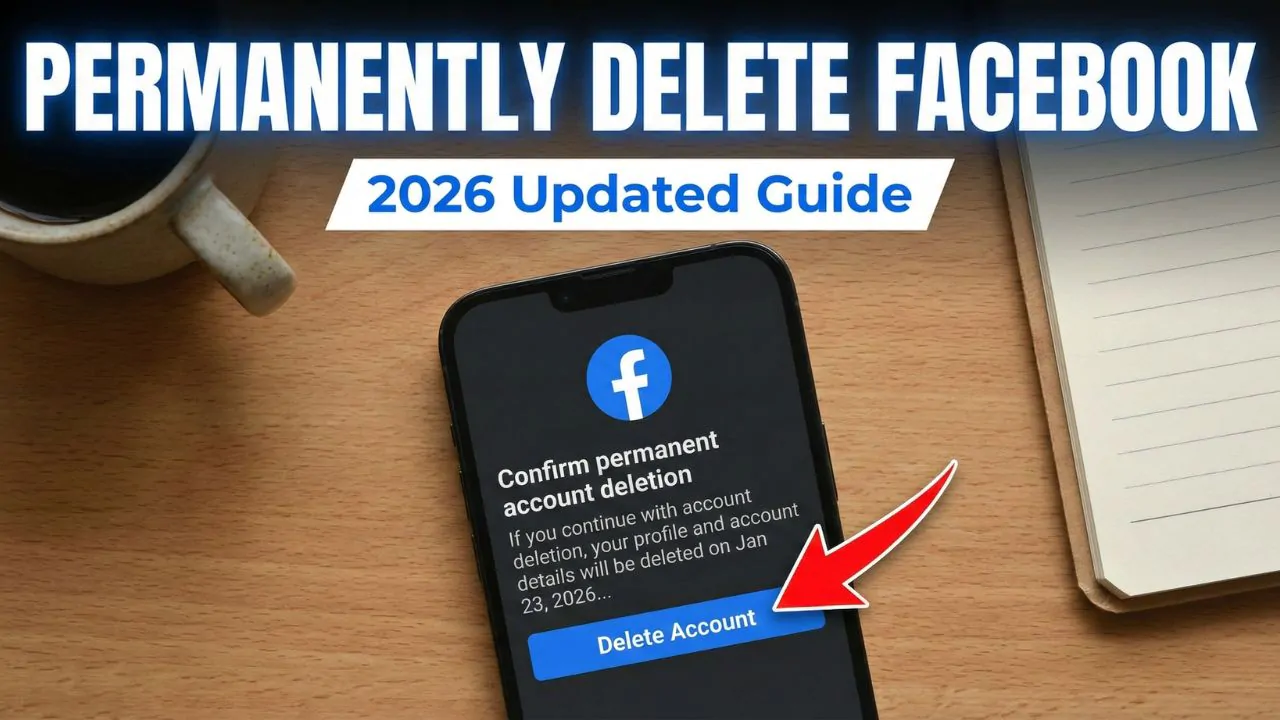
In today’s hyper-connected world, many people are reevaluating their relationship with social media. Whether you’re seeking greater privacy, reducing screen time, or simply moving on from the platform, knowing how to delete a Facebook account permanently is essential. As of 2026, the process has evolved with Meta’s Accounts Center, but it remains straightforward if you follow the right steps.
This comprehensive guide provides everything you need: clear instructions for different devices, preparation tips, what happens after deletion, alternatives like deactivation, and practical advice to make the process stress-free. By the end, you’ll have the knowledge to take control of your digital footprint confidently.
Why People Choose to Delete Their Facebook Account in 2026
Facebook remains a major platform, but user sentiments have shifted. Common reasons include privacy concerns, the desire to reduce distractions, and improving mental health. Many report feeling overwhelmed by endless scrolling, comparisons, or unwanted notifications.
Real-world scenarios illustrate this well. Take Sarah, a marketing professional who spent hours daily managing her feed. After realizing the time sink affected her productivity, she decided it was time for a clean break. Or consider Mike, who grew concerned about data usage and wanted to simplify his online presence ahead of a career change.
Expert Tip: Before proceeding, reflect on your goals. Is this a temporary detox or a permanent exit? Understanding your “why” helps ensure you don’t regret the decision.
Deactivation vs. Permanent Deletion: Key Differences
It’s crucial to understand the distinction between deactivating and deleting your account.
- Deactivation is temporary. Your profile becomes invisible to others, but you can reactivate anytime by logging back in. Your data stays intact on Facebook’s servers.
- Permanent Deletion is irreversible after a grace period. Facebook removes your profile, posts, photos, and most associated data. This is the focus of how to delete a Facebook account for good.
| Aspect | Deactivation | Permanent Deletion |
|---|---|---|
| Reversibility | Easy, anytime | Irreversible after 30 days |
| Visibility | Hidden from others | Completely removed |
| Data Retention | Full data preserved | Mostly deleted (up to 90 days process) |
| Messenger Access | Limited availability | No access |
| Linked Apps/Services | Still functional | May require updates |
Deactivation suits short breaks, while deletion offers finality for those committed to leaving.
Preparing to Delete Your Facebook Account: Essential Steps
Rushing into deletion can lead to lost memories or complications with linked services. Proper preparation is key.
1. Download Your Facebook Data
Facebook allows you to export photos, posts, messages, and more before deletion. This is highly recommended.
Step-by-step on Desktop or App (2026):
- Log into Facebook.
- Go to Settings & Privacy > Settings > Accounts Center.
- Select Your information and permissions > Download your information.
- Choose profiles, data categories (e.g., photos, posts), format (HTML for easy viewing or JSON), and media quality.
- Click Create file and wait for the download link via email (can take hours or days for large accounts).
Practical Example: If you’ve uploaded family photos over years, high-quality export ensures you keep those memories offline.
Expert Advice: Download early, as you can’t access this after deletion starts. Review the file thoroughly—it may reveal insights into your usage patterns.
2. Update or Migrate Linked Accounts
Many use Facebook Login for apps like Spotify, games, or shopping sites. After deletion, you’ll need alternative sign-ins.
- List all connected services.
- Create new accounts or update login methods.
- Inform close contacts of your new contact info if needed.
3. Backup Important Connections
Note friends’ contact details or move conversations to other platforms like email or WhatsApp (if applicable).
4. Consider Pages and Groups You Admin
Pages you solely control will be deleted. Transfer admin rights first.
Step-by-Step Guide: How to Delete a Facebook Account on Desktop (2026)
The process uses Meta’s Accounts Center for a unified experience.
- Log into Facebook on your computer.
- Click your profile picture in the top right.
- Select Settings & Privacy > Settings.
- Click Accounts Center (top left).
- Depending on your view:
- Select Manage accounts > Manage next to your Facebook account.
- Or go to Personal details > Account ownership and control.
- Choose Deactivation or deletion.
- Select Delete account and continue.
- Provide a reason, review info, and confirm with your password.
You’ll receive confirmation. The account enters a 30-day grace period.
How to Delete Facebook Account on Mobile App (Android/iOS in 2026)
The mobile process mirrors desktop but uses the app menu.
- Open the Facebook app.
- Tap the menu (three lines, usually bottom right on iOS or top right on Android).
- Scroll to Settings & Privacy > Settings.
- Tap Accounts Center.
- Proceed to Manage accounts > Manage (or equivalent path to Deactivation or deletion).
- Select Delete account, follow prompts, and confirm.
Pro Tip: Ensure the app is updated for the smoothest experience. If options differ slightly, search “Accounts Center” in app settings.
Common Challenges and Troubleshooting
- Can’t find the option? Clear cache, update the app/browser, or try incognito mode.
- Multiple profiles? Deletion affects all under your main account.
- Grace Period: Log in within 30 days to cancel. After that, it’s permanent (full deletion up to 90 days).
Real Scenario: John encountered an outdated guide and wasted time. Always verify with current Facebook Help for 2026 changes.
What Happens After You Delete Your Facebook Account?
- Immediate Effects: Profile becomes inaccessible. Friends can’t tag or find you.
- 30 Days: You can cancel by logging in.
- Up to 90 Days: Background deletion of data. Some copies may remain in backups for legal/safety reasons.
- Messages: Sent messages may stay in recipients’ inboxes.
- Linked Services: Update logins promptly.
- Meta Quest: Associated data may be affected if linked.
Deletion doesn’t erase everything instantly, but your visible presence vanishes.
Benefits and Drawbacks of Permanent Deletion
Benefits:
- Enhanced privacy and reduced data exposure.
- Better focus and mental health.
- Freedom from notifications and ads.
- Simplified digital life.
Drawbacks:
- Loss of access to old connections and memories (unless downloaded).
- Inconvenience with services using Facebook Login.
- Potential social isolation if many events are organized there.
- Irreversibility—ensure it’s the right choice.
Weigh these based on your lifestyle. Many find the long-term gains outweigh short-term adjustments.
Alternatives to Full Deletion
If full deletion feels too final:
- Deactivate for a trial period.
- Limit Usage: Use tools like screen time limits or unfollow noisy groups.
- Create Boundaries: Use lists, mute, or take regular breaks.
- Switch Platforms: Explore alternatives focused on privacy or specific interests.
Expert Tips for a Smooth Transition
- Timeline: Download data first, update logins, then delete.
- Inform Network: Post a farewell or share alternative contacts beforehand.
- Post-Deletion Routine: Replace habits with offline activities or other apps.
- Privacy-Focused Mindset: Review data policies on remaining platforms.
- For Families: Discuss with loved ones and ensure shared photos are saved.
Actionable Advice: Set a “digital declutter” day. Combine deletion with cleaning other accounts for comprehensive control.
Additional Considerations in 2026
Meta continues updating interfaces, so screenshots from older guides may not match exactly. Always navigate via Accounts Center for the most current path. Regional variations in grace periods exist.
For businesses or public figures, plan content migration or announcements carefully.
How Deleting Facebook Impacts Your Online Presence
Removing your account reduces your digital footprint significantly. Search engines will eventually stop showing your profile. However, some cached content or mentions by others may linger—consider requesting removals where possible.
Maintaining Digital Wellbeing After Facebook
Post-deletion, many report improved productivity and reduced anxiety. Fill the time with hobbies, in-person meetups, or platforms that align better with your values. Track your progress for the first month to stay motivated.
Conclusion
Learning how to delete a Facebook account permanently in 2026 empowers you to reclaim your time and privacy. By following the steps—downloading data, understanding the process, and preparing alternatives—you can execute a clean removal with confidence. Whether driven by privacy, mental health, or personal growth, this decision can lead to a more intentional digital life.
Key Takeaways:
- Always download your information first.
- Use Accounts Center for deletion.
- Respect the 30-day grace period.
- Plan for linked services and social transitions.
- Choose based on your needs: deactivate for breaks, delete for permanence.
Take action today if it aligns with your goals. Your future self will thank you for prioritizing wellbeing over endless scrolling. For the latest official instructions, refer to trusted resources like the Facebook Help Center on account deletion.
Additional resources:
- Forbes article on social media detox (general wellbeing insights).
- Wikipedia on Facebook privacy (platform overview).
- Community discussions on Reddit for user experiences.
Related posts:
![facebook video downloader facebook video downloader]()
How to Change Name on Facebook: The Complete 2026 Guide
![Fix Orange Discoloration on MacBook Pro Screen]()
How to Fix Orange Discoloration on MacBook Pro Screen: Complete Guide to Causes & Solutions
![Google Gemini in 2026]()
What Is Everything You Need to Know About Google Gemini in 2026?
![fbi warns iphone android scams]()
Why the FBI Warns iPhone Android Scams Are Increasing
![What Should You Know About the iPhone 17 in 2026]()
What Should You Know About the iPhone 17 in 2026, Including Features, Specs, Price, Release Date, an...
![Best Free Password Managers ifixit]()
Best Free Password Managers: Secure Your Digital Life in 2026
![Snapchat Planets - ifixit]()
How Do Snapchat Planets Work and What Does Each Planet Mean in the Friend Solar System?
![What Causes Black Lines on Laptop Screen]()
What Causes Black Lines on Laptop Screen? A Complete Troubleshooting Guide