How to Fix “Application Was Unable to Start Correctly (0xc000007b)” Error in Windows 11: Complete Guide (2026)
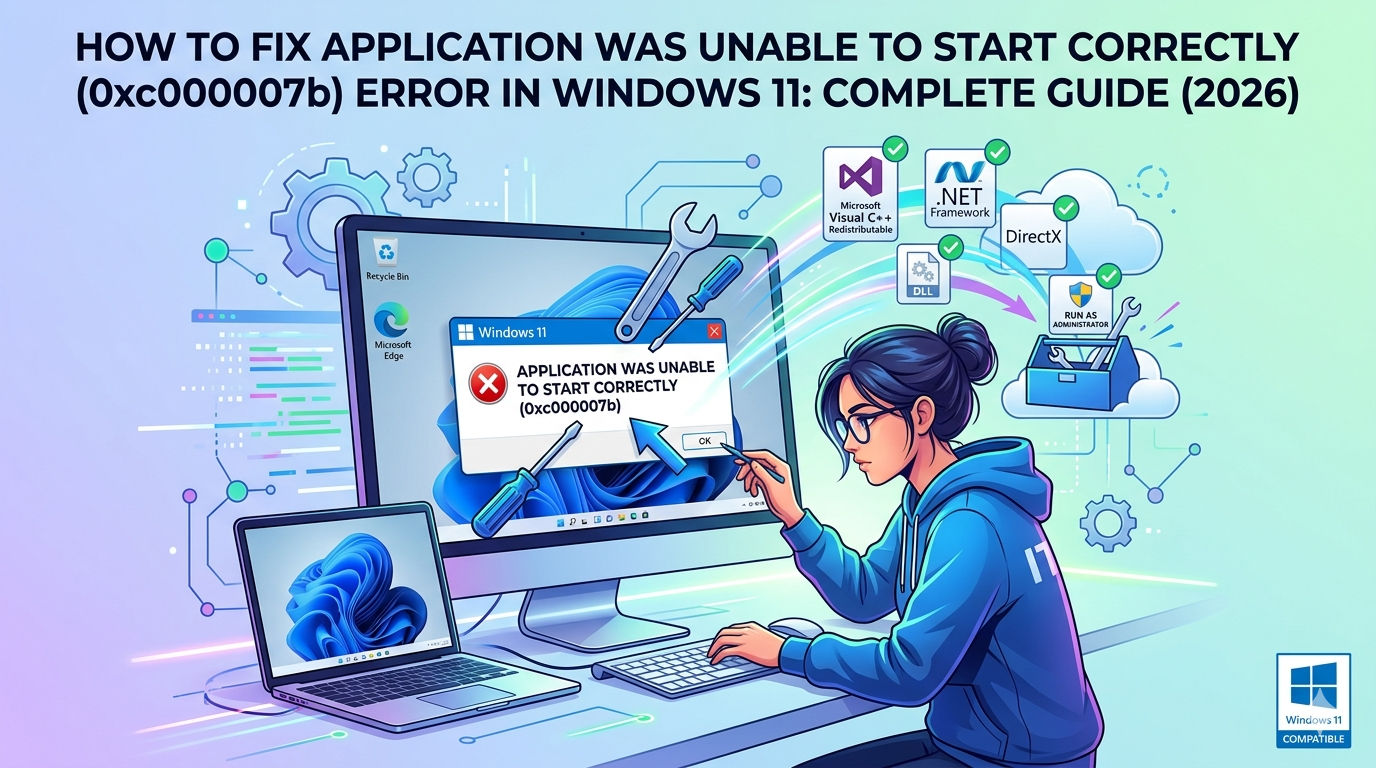
The “Application Was Unable to Start Correctly (0xc000007b)” error is one of the most common and annoying issues Windows 11 users face when launching applications, especially games, older software, or programs relying on specific runtime libraries. This error typically appears as a popup message: “The application was unable to start correctly (0xc000007b). Click OK to […]

Read more →

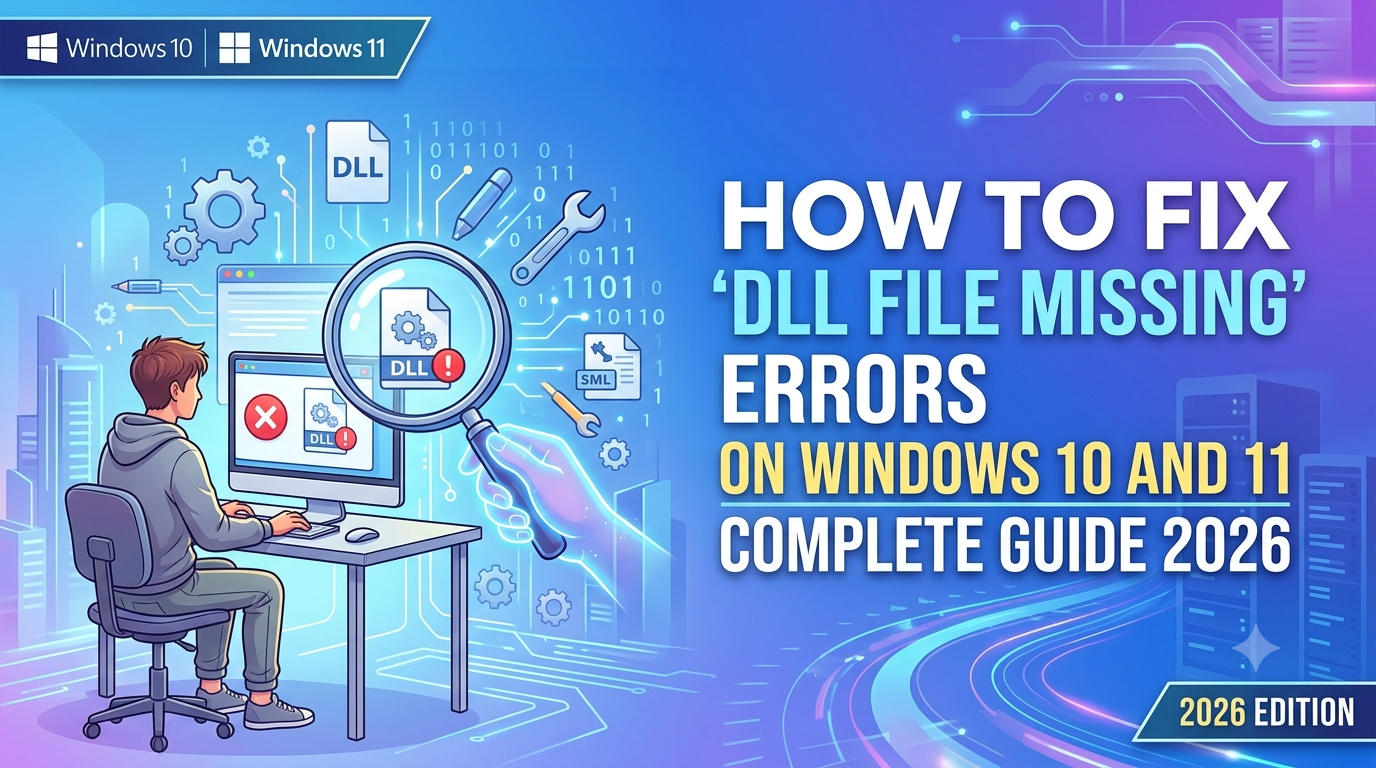
How to Fix “DLL File Missing” Errors on Windows 10 and 11 – Complete Guide 2026

DLL File Missing errors are among the most frustrating issues Windows users encounter. These errors typically appear as messages like “The program can’t start because [filename].dll is missing from your computer. Try reinstalling the program to fix this problem.” They can prevent programs, games, or even system processes from launching, disrupting your workflow. In this […]

Read more →

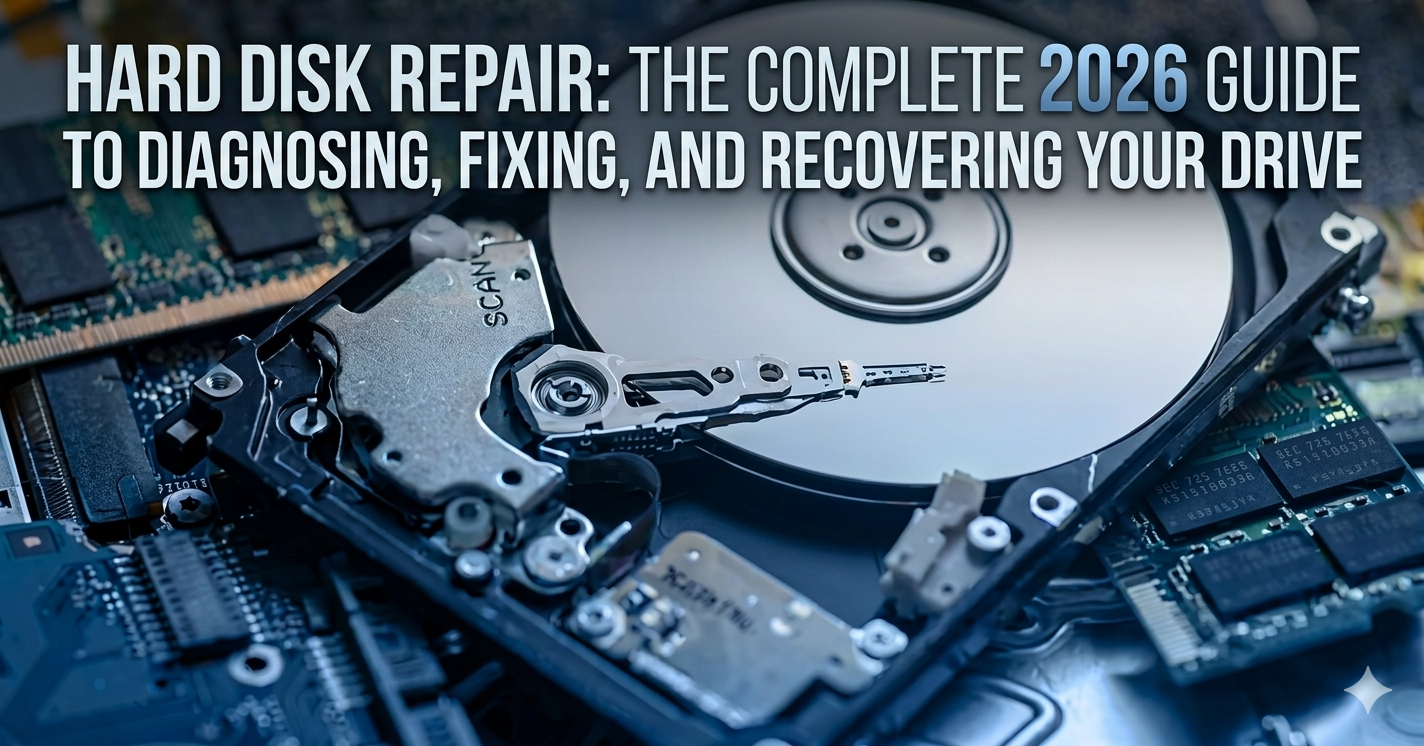
Hard Disk Repair: The Complete 2026 Guide to Diagnosing, Fixing, and Recovering Your Drive

The sinking feeling when your computer fails to boot, or when that dreaded clicking sound emerges from your storage drive, is something every computer user fears. Your hard drive contains years of photos, documents, work projects, and priceless memories. When it fails, hard disk repair becomes your top priority. But here’s the truth that many people don’t […]

Read more →

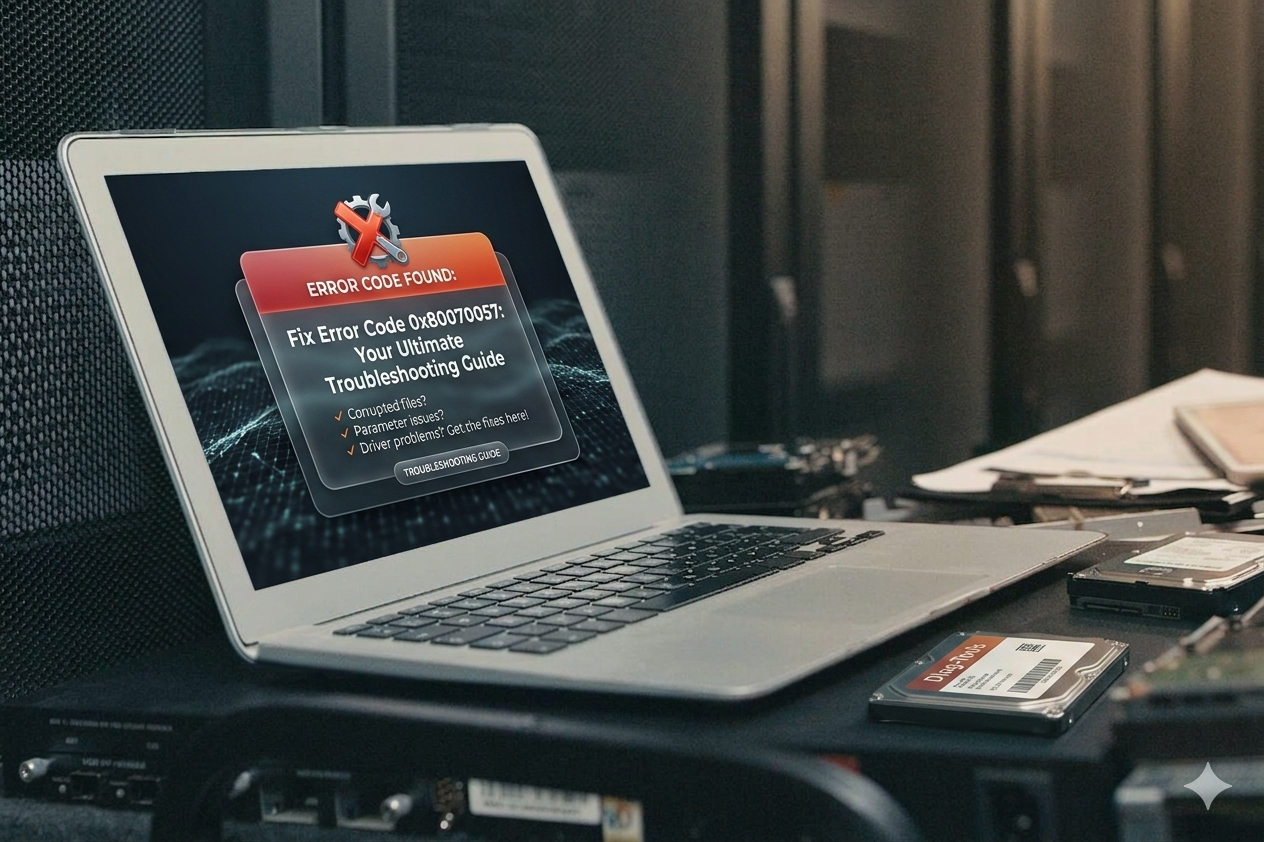
Fix Error Code 0x80070057: Your Ultimate Troubleshooting Guide

Error Code 0x80070057 is one of the most frustrating Windows issues users encounter. Often accompanied by the message “The parameter is incorrect,” it can halt Windows Updates, block software installations, disrupt backups, or complicate clean installs. This error has persisted across Windows versions from 7 through 11, signaling problems with parameters passed to system functions—typically […]

Read more →

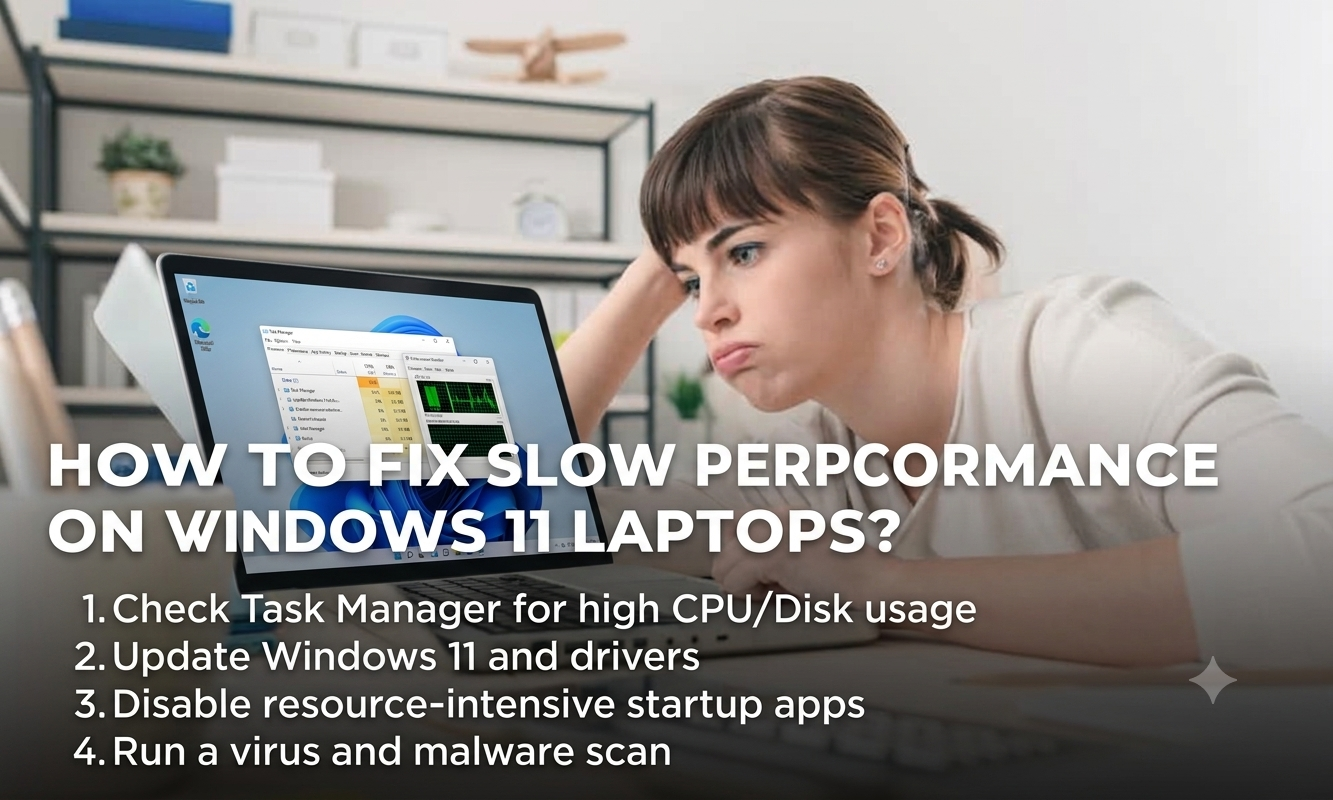
How to Fix Slow Performance on Windows 11 Laptops?

Windows 11 brought a sleek new interface and enhanced features, but many users notice their Windows 11 laptops slowing down over time. Whether it’s laggy multitasking, slow boot times, or delayed app launches, sluggish performance can frustrate daily productivity. The good news? You can often resolve these issues without buying a new device. This comprehensive […]

Read more →

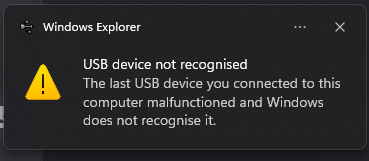
How to Fix USB Device Not Recognized Error on Windows PCs?

The USB Device Not Recognized Error is one of the most common and annoying hardware issues Windows users face. You plug in a flash drive, external hard drive, mouse, keyboard, or printer, and instead of seamless connectivity, Windows displays a message like “USB Device Not Recognized” or “The last USB device you connected to this […]

Read more →

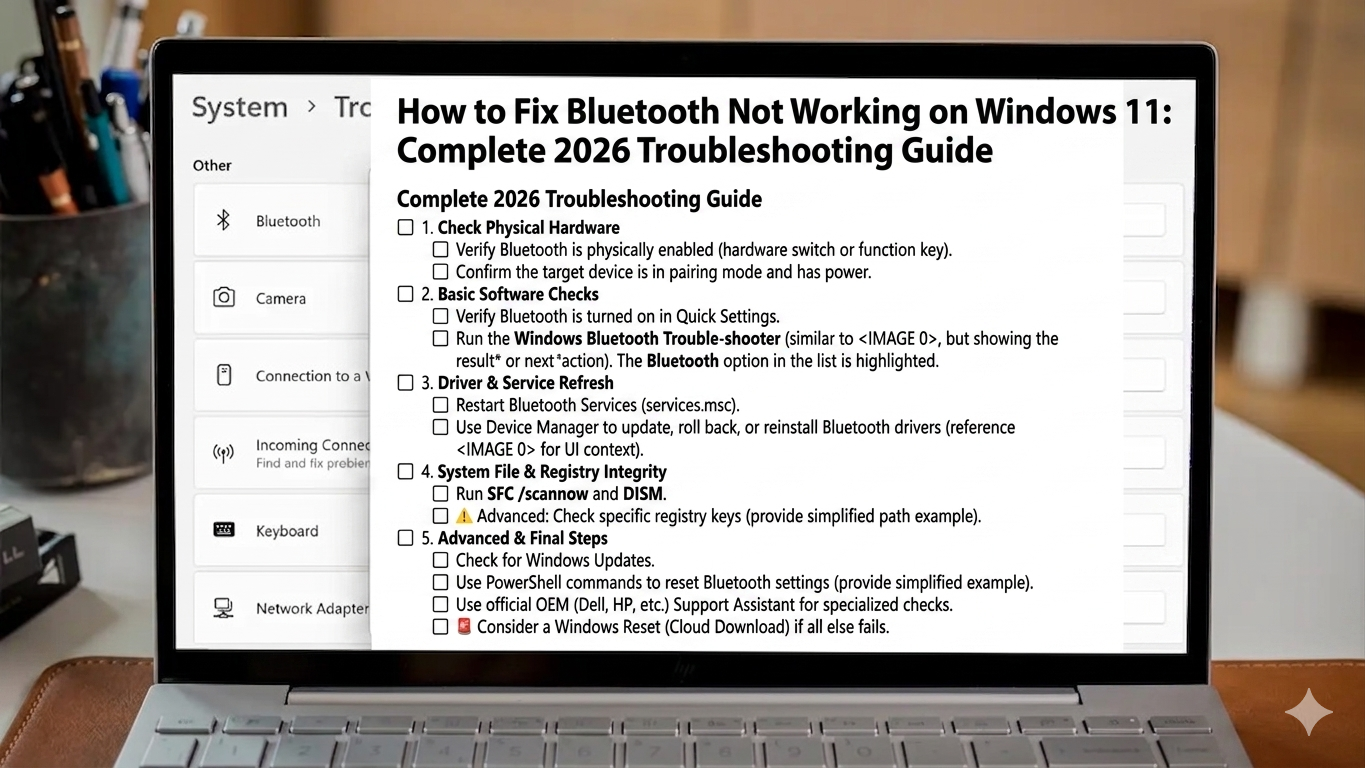
How to Fix Bluetooth Not Working on Windows 11?

Bluetooth connectivity powers everything from wireless headphones and keyboards to mice, speakers, and even file transfers. When Bluetooth stops working on Windows 11, it can disrupt your workflow, entertainment, and productivity. Whether your devices won’t pair, connections drop frequently, or the Bluetooth option has disappeared entirely, you’re not alone. This issue affects many users after […]

Read more →

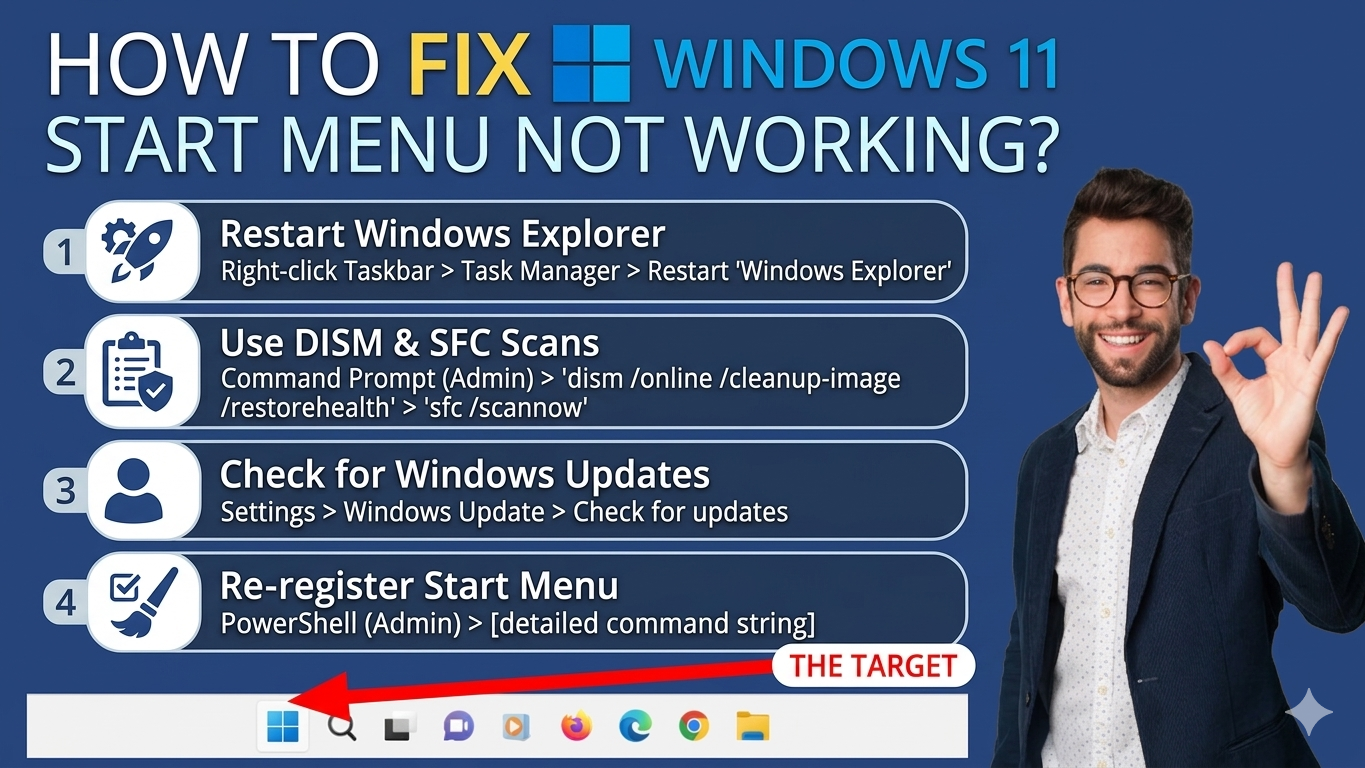
How to Fix Windows 11 Start Menu Not Working?

The Windows 11 Start Menu is central to navigating your PC, providing quick access to apps, settings, and search. When it stops working—whether it won’t open, freezes, or becomes unresponsive—it can severely disrupt your workflow. This issue affects many users after updates, due to corrupted files, or software conflicts. Fortunately, most problems can be fixed […]

Read more →