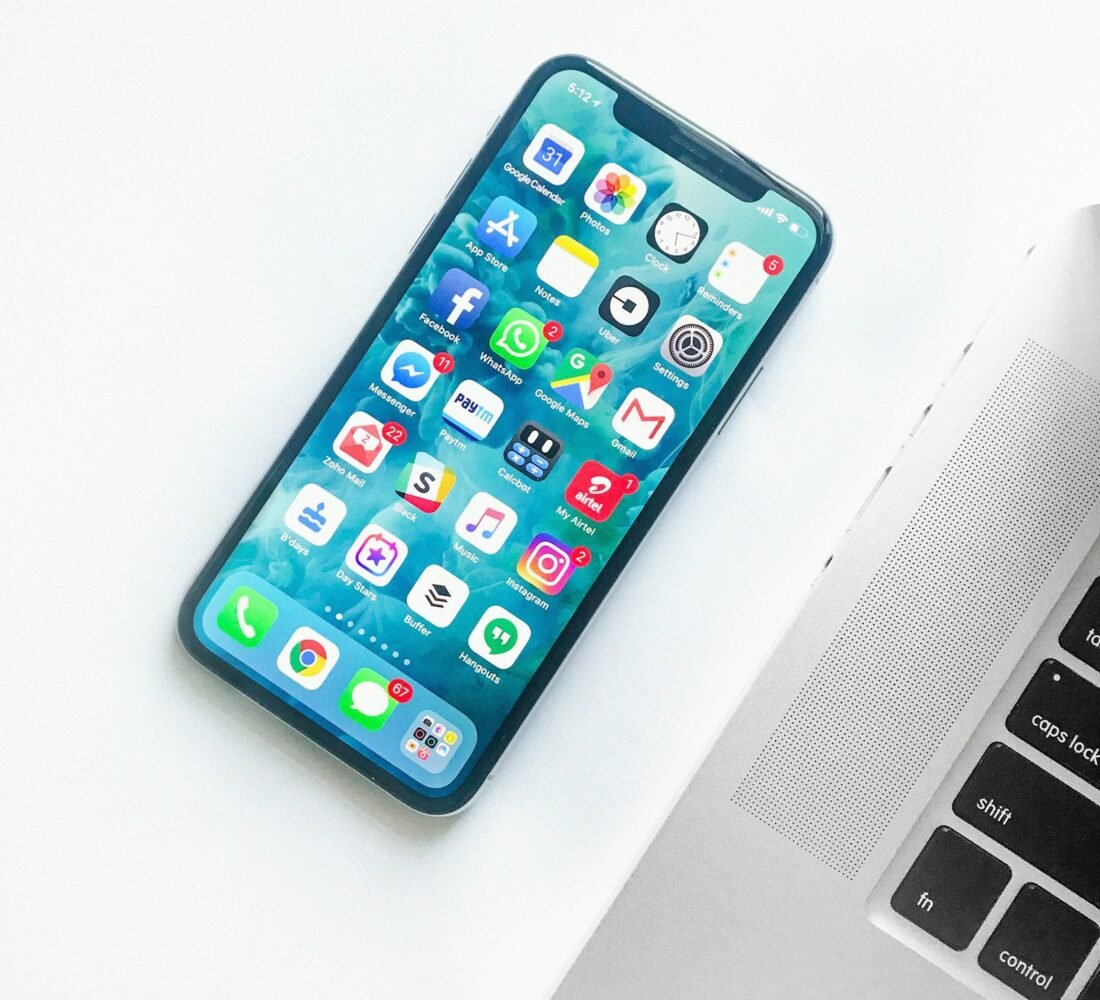
If you keep an older iPhone going instead of replacing it, here is a date to put in your diary: 30 November 2026. From then on, WhatsApp will only run on iPhones with iOS 15.5 or newer. Today the minimum is iOS 15.1. The good news for anyone who looks after old hardware is that every model able to run iOS 15.1 can also reach iOS 15.5, according to MacRumors, so a free software update is usually all it takes. No repair, no new battery and no new phone is needed.
- 100% free
- Call direct
- Voice search
- Urdu & English
This guide explains which models are involved, how to check and update safely, what to do if the update fails and why keeping an older phone alive can be a smart choice. If you are weighing up whether an ageing handset is worth fixing, our guide on whether to repair or replace your phone covers the cost side.
What is changing on 30 November
WhatsApp is raising its minimum iOS version. WABetaInfo reports that people on iOS 15.0 to 15.4, and iPadOS 15.5 users, must update before the deadline to avoid losing access. When an earlier cut-off affected the iPhone 5s, iPhone 6 and iPhone 6 Plus, those users were left with only the web version of WhatsApp. Meta usually warns affected users inside the app and asks them to update before support ends.
Which iPhones are affected
MacRumors names the iPhone 6s, iPhone 6s Plus, first-generation iPhone SE, iPhone 7 and iPhone 7 Plus as the models that cannot go beyond iOS 15. For them the last available release is iOS 15.8.8, which is above the 15.5 requirement. In other words, none of these phones is being dropped because of its hardware. They just need an update that already exists.
| Your iPhone | What to do |
|---|---|
| Already on iOS 15.5 or newer | Nothing |
| iPhone 6s, 6s Plus, SE (1st gen) or 7 / 7 Plus on iOS 15.1 to 15.4 | Update to iOS 15.8.8 in Settings |
| iPhone 6 or older, such as iPhone 5s | Already unsupported by WhatsApp; use WhatsApp Web or replace the phone |
How to check your version
- Open Settings.
- Tap General, then About.
- Read the Software Version line.
- 15.5 or higher means you are fine. 15.4 or lower means update now.
How to update safely
Older phones deserve a little care before a big software update. Plug the phone in and connect to Wi-Fi, because the download can be large and a flat battery mid-install is the last thing you want. Free up space if the phone is nearly full, since the update needs room to unpack. Then go to Settings, General, Software Update and tap Download and Install. Keep the phone awake until it restarts.
Before you start, back up your chats. In WhatsApp, open Settings, Chats and Chat Backup, then tap Back Up Now. The backup is stored in iCloud, so check you have enough free storage.
If the update will not install
- Check the battery. An old battery that drops quickly can make updates fail. A worn battery is one of the most common reasons a phone feels slow, and replacing it is often a cheap repair.
- Free up space by removing large videos, duplicate photos and unused apps.
- Restart the phone and try again on a stable Wi-Fi connection.
- If the download keeps stalling, try a different network or update from a computer using Finder or iTunes.
- If nothing works, a reputable repair shop can check the storage and battery.
A realistic example
Picture an iPhone 7 that a family hands down to a grandparent for video calls. It works well, the screen is fine, and nobody has touched the software for two years, so it sits on iOS 15.3. On 30 November, WhatsApp would stop opening. A younger relative can fix it in about ten minutes: plug it in, connect to Wi-Fi, install iOS 15.8.8 and check that the app opens. Compared with buying a new phone, this saves a lot of money and keeps a perfectly usable device out of the bin.
Why keeping an older phone alive can be worth it
Making a phone last longer is good for your wallet and for the environment. The most expensive part of a phone’s life, in money and in resources, is making it. A battery swap or a screen repair costs a fraction of a new device and delays the point where a phone becomes waste. That is why the right to repair matters, and why you may want to read our explainer on right to repair in the UK. The catch is that software support eventually ends, so it is worth knowing where your phone stands.
Signs it is time to let go
- The phone cannot install the latest iOS version available for it and key apps begin to stop working.
- The battery needs replacing again within months.
- Repairs would cost more than half the price of a comparable replacement.
- The phone gets security updates only rarely.
When repair costs add up, a refurbished phone is often a middle road between a new model and an old handset, as long as you check the seller’s warranty and return policy.
Beware of scams
Updates attract fake messages. WhatsApp does not ask you to pay to keep your account, and you should never share your six-digit verification code. Always update from Settings or the app store, never from a link in a message.

A maintenance routine for older phones
A little regular care keeps an older iPhone reliable long after its warranty ends. Once a month, install pending updates, delete apps you no longer use and clear out photos and videos you have already backed up. Every few months, check the battery health in Settings, Battery, Battery Health and Charging. If the maximum capacity has dropped a lot, or the phone shuts down unexpectedly, a battery replacement is usually the single most effective repair for an ageing handset. Keep the charging port clean with a wooden toothpick or a soft brush, because lint is a common cause of poor charging.
Protecting your data while you update
- Back up WhatsApp chats to iCloud before the update.
- Back up the whole phone as well, either to iCloud or to a computer.
- Make sure you know your Apple ID password, since you may be asked for it after the restart.
- Keep two-step verification on for WhatsApp, so that nobody can register your number elsewhere.
- Do not install updates over public Wi-Fi.
Helping a relative who is not confident with phones
Many of the phones affected by this change belong to people who do not like fiddling with settings. If you are the family helper, do the update together in person if you can, or on a video call. Explain that the phone is not broken, it just needs the latest software. After the update, open WhatsApp with them and check their chats are still there. It is also a good moment to look at the battery, the storage and the screen protector, and to write down their Apple ID details somewhere safe for them.
When a phone cannot take the update
If the phone simply cannot update, for example because of damaged storage, it may be time to think about repair or replacement. Compare the cost of a repair with the price of a refurbished handset that will receive software updates for several more years, and take the warranty into account. For a longer list of things to check before you decide, read our guide to repairing or replacing a phone.
Frequently asked questions
When does WhatsApp stop working on older iPhones?
On 30 November 2026, when it will require iOS 15.5 or newer.
Which iPhones are affected?
According to MacRumors, the iPhone 6s, 6s Plus, first-generation iPhone SE, iPhone 7 and 7 Plus are the models that top out at iOS 15. All of them can install iOS 15.8.8, which meets the requirement.
How do I update?
Plug in the phone, connect to Wi-Fi, open Settings, General, Software Update and tap Download and Install.
Will I lose my chats?
You should not, but make a backup first through Settings, Chats and Chat Backup in WhatsApp.
What if the update fails?
Free up storage, check the battery, restart and try again on stable Wi-Fi, or update from a computer. A repair shop can check the battery and storage.
What happens if I do not update?
Reports do not spell out the exact message, but in an earlier cut-off users could only use WhatsApp Web afterwards.
Summary
If your iPhone already runs iOS 15.5 or newer, you can relax. If not, update before 30 November, back up your chats first and check the battery if the update struggles. Older phones can serve for years with a little maintenance, and this is a good reminder to look after them properly.