A phone overheating while charging is one of the most common worries we hear from readers across the UK. Most of the time the warmth is normal and harmless. Sometimes, though, heat is an early warning of a worn battery, a damaged cable or a cheap charger that should never have been plugged in. This guide shows you how to tell the difference, what to do straight away, and the fixes that stop your phone getting hot every time you top it up.
Is It Normal for a Phone to Get Warm When Charging?
Yes, a little warmth is normal. Charging pushes energy into the battery, and some of that energy turns into heat. Fast charging and wireless charging both produce more heat than a slow wired charge, so you will notice the difference if you switch between them.
- 100% free
- Call direct
- Voice search
- Urdu & English
Apple says an iPhone may feel warm during setup, restores, major software updates, wireless charging and heavy use such as games, the camera or video streaming. It should cool down afterwards. Apple’s recommended ambient temperature range for using an iPhone is 0°C to 35°C, according to its official guidance on hot and cold devices.
Here is a quick way to judge what you are feeling:
| What you notice | Likely meaning | What to do |
|---|---|---|
| Phone is warm but comfortable to hold | Normal charging heat | Nothing; carry on |
| Hot spot near the bottom or charging port | Dirty port, worn cable or poor connection | Check cable and port |
| “Charging On Hold” or temperature warning | Built-in protection has kicked in | Unplug and let it cool |
| Too hot to hold comfortably | Something is wrong | Unplug now and stop charging |
| Swelling, bulging screen, smell or smoke | Battery fault: safety risk | Stop using it and get it inspected |
What to Do Right Now If Your Phone Is Too Hot
- Unplug the charger. Disconnect at the wall, not by yanking the cable from the phone.
- Take off the case. Thick cases trap heat, especially on wireless chargers.
- Move it somewhere cool and shaded. Get it off the bed, sofa or windowsill. Do not put it in the fridge or freezer; sudden cold can cause condensation inside.
- Close running apps. Games, navigation and video calls keep the processor busy while it charges.
- Let it cool fully before charging again. If your phone shows a temperature warning, Apple advises turning the device off and moving it to a cooler place away from direct sunlight.
Why Your Phone Overheats While Charging
Heat during charging usually comes from one of five causes. Work through them in order, because the first few are free to fix.
1. You are using the phone heavily while it charges
Gaming, streaming, video calls and sat-nav all generate heat on their own. Add charging on top and the temperature climbs quickly. Samsung UK lists heavy app use, multitasking, many background apps, large downloads and the initial setup or data restore among the common causes of a warm phone.
2. Fast charging or wireless charging
Both are convenient, but both create extra heat. Samsung confirms that fast charging and wireless charging can make a phone feel warmer. With a wireless pad, Samsung also warns you to keep metal objects, magnets and cards with magnetic stripes out of the gap between the phone and the charger.
3. A damaged cable or charger
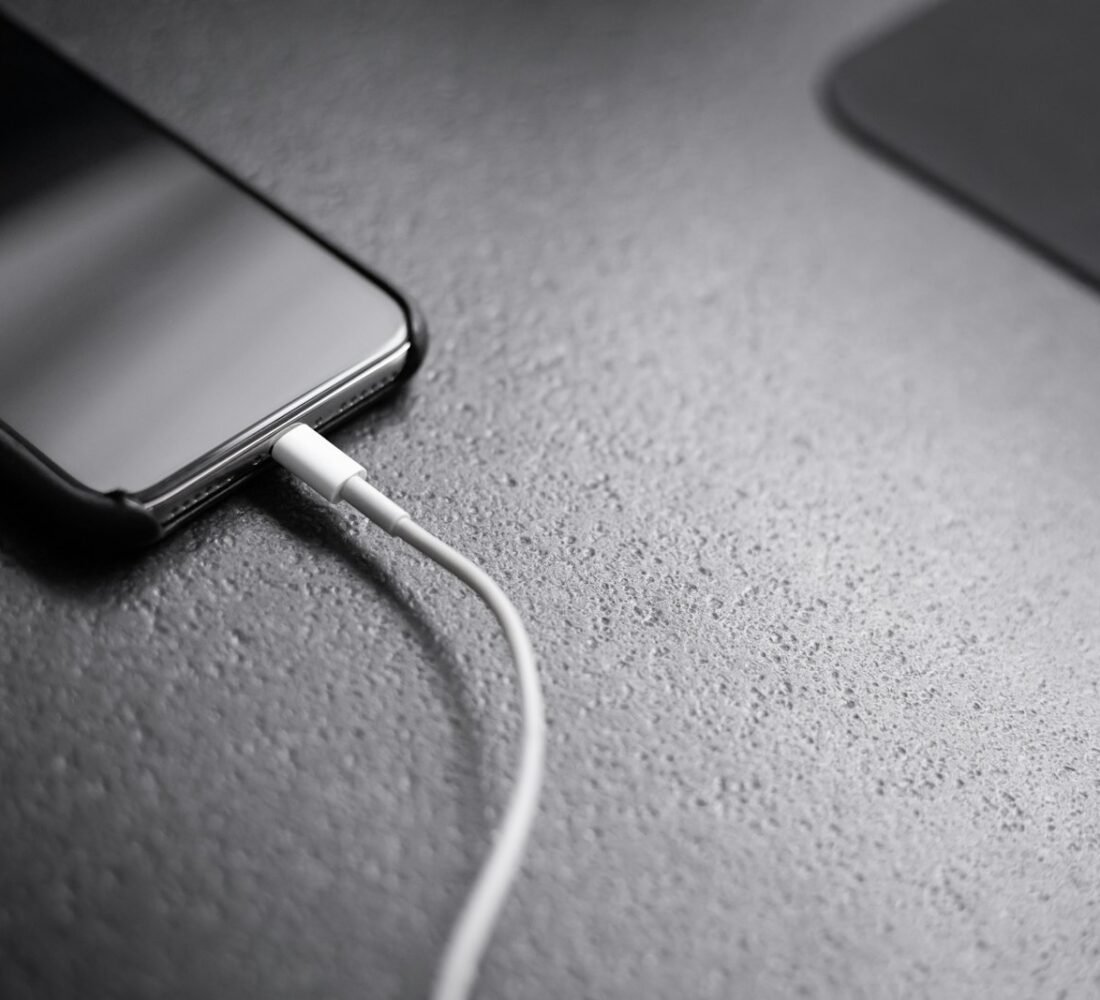
Frayed insulation, bent connectors or a battered plug can cause poor contact and extra resistance, and resistance means heat. Samsung’s UK support page says you should not use a cable with damaged insulation, or any charger or battery that is damaged or not working properly.
4. A dirty or damaged charging port
Pocket lint, dust and grit build up in the port over months. This stops the plug seating properly and can cause heat and intermittent charging. Samsung lists a damaged charging port, especially one exposed to liquid, dust, metal powder or pencil lead, as a cause of overheating. Our step-by-step guide shows you how to clean a phone charging port safely without scratching the contacts.
5. An ageing or faulty battery
Lithium-ion batteries wear out with use. An older battery can run hotter, drain faster and struggle to hold a charge. If heat comes with poor battery life, sudden shutdowns or a bulging back, the battery is the prime suspect.
How to Stop Your Phone Overheating While Charging
Once your phone has cooled down, these fixes deal with the cause rather than the symptom.
Check your charger and cable
- Use the charger that came with your phone, or one from a reputable brand rated for your model.
- Inspect the cable along its full length. Replace it if you see fraying, kinks or exposed wire.
- Look at the plug for scorch marks, cracks or a loose pin.
- Buy from established UK retailers rather than unknown marketplace sellers offering prices that look too good to be true.
Change how and where you charge
- Charge on a hard, flat surface such as a desk, never under a pillow or on a duvet.
- Keep the phone out of direct sunlight and away from radiators. Samsung also advises keeping phones away from heaters, microwaves, cooking equipment and electric heating mats.
- Take the case off if the phone keeps getting hot, especially on a wireless pad.
- Switch to a standard (slower) wired charge overnight when you do not need a quick top-up.
Reduce the load on your phone
Samsung’s own checklist for a hot phone is useful for any Android or iPhone:
- Install the latest software update.
- Restart the phone to clear stuck apps.
- Turn off Wi-Fi, GPS and Bluetooth when you are not using them.
- Close apps you are not using and delete ones you no longer need.
- Lower the screen brightness.
- Set the screen refresh rate to standard if your phone has that option.
Clean the charging port
Switch the phone off, then use a soft, dry brush or a wooden toothpick to lift out lint. Avoid metal pins, and do not blow into the port. If the phone still will not charge properly, our phone not charging fix checklist covers the next steps.
What Your Phone Does When It Gets Too Hot
Modern phones protect themselves. Knowing the warning signs helps you react before anything gets damaged.
iPhone
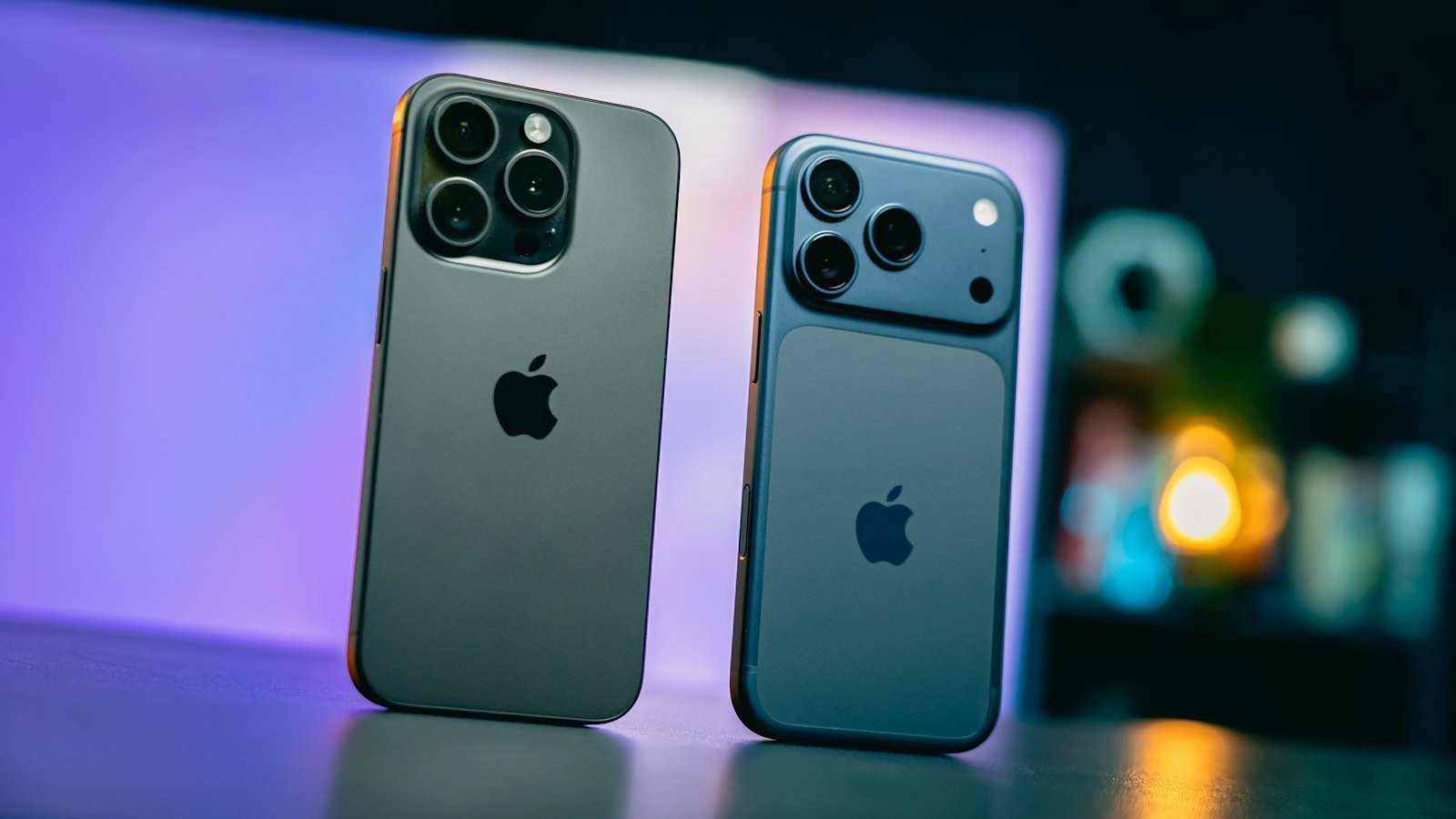
When an iPhone gets too hot, Apple says charging, including wireless charging, slows or stops. The screen may dim or go black, mobile signal may weaken, and camera features such as the flash may be disabled. You may see “Charging On Hold” on the Lock Screen, which means charging will resume once the phone returns to a normal temperature. If the temperature passes a threshold, a full-screen temperature warning appears.
Samsung Galaxy
Samsung says supported Galaxy phones show a warning at a set temperature. The phone then limits brightness and performance, stops charging, closes running apps and restricts calls and some features, while keeping emergency calls available. If the temperature keeps rising, a second warning appears and the phone turns off. Do not use it until it has cooled down.
These protections are there for a reason. If your phone shows them often during normal charging, treat it as a sign that something needs fixing.
When Overheating Means the Battery Needs Replacing
Heat is often the first sign of a tired battery. Look for these signs together:
- The phone gets hot on every charge, even with the original charger and no apps running.
- Battery life has dropped sharply compared with when the phone was new.
- The phone shuts down suddenly, even with charge left.
- The screen lifts, the back bulges or the phone no longer sits flat.
A swollen battery is a safety risk. Stop charging the phone, do not press on the bulge, and take it to a qualified repairer. For everything else, a battery swap often costs less than a new handset. Our phone battery replacement guide explains what the job involves, and if you are on the fence, read should you replace your phone battery or buy a new phone.
Mistakes That Make Charging Heat Worse
- Charging in the car on a hot day. Apple warns that temperatures in a parked car can go beyond the safe storage range.
- Cooling a hot phone in the fridge. Rapid temperature changes can cause condensation inside the phone.
- Using a cracked or bent cable “just for now”. Damaged cables are a known heat source.
- Charging under bedding. Soft fabric traps heat around the phone.
- Ignoring repeated warnings. Frequent “Charging On Hold” messages mean the cause is still there.
FAQ
Why does my phone get hot when charging overnight?
The most common causes are a case that traps heat, charging on bedding, background apps syncing at night, or a fast charger. Charge on a hard surface with a standard charger and remove a thick case.
Is it safe to use my phone while it charges?
Light use is fine. Heavy tasks such as gaming or video calls add heat on top of charging, so the phone may slow down or pause charging to protect itself.
Can a cheap charger make my phone overheat?
Yes. A damaged or poor-quality charger can cause extra heat. Use the charger supplied with your phone or a reputable brand made for your model, and replace anything that looks damaged.
What temperature is too hot for a phone?
Apple recommends using an iPhone in ambient temperatures between 0°C and 35°C. If the phone feels too hot to hold or shows a temperature warning, unplug it and let it cool.
Should I put my phone in the fridge to cool it down?
No. Move it somewhere cool and shaded instead. Sudden cold can cause condensation inside the phone.
Conclusion
A phone overheating while charging is usually down to something simple: heavy use, a fast or wireless charger, a thick case, a dirty port or a worn cable. Unplug it, let it cool, and work through the fixes above. If the heat keeps coming back with poor battery life or a bulging case, the battery is likely at fault, and a replacement is often the cheapest way to get a safe, cool-running phone again.