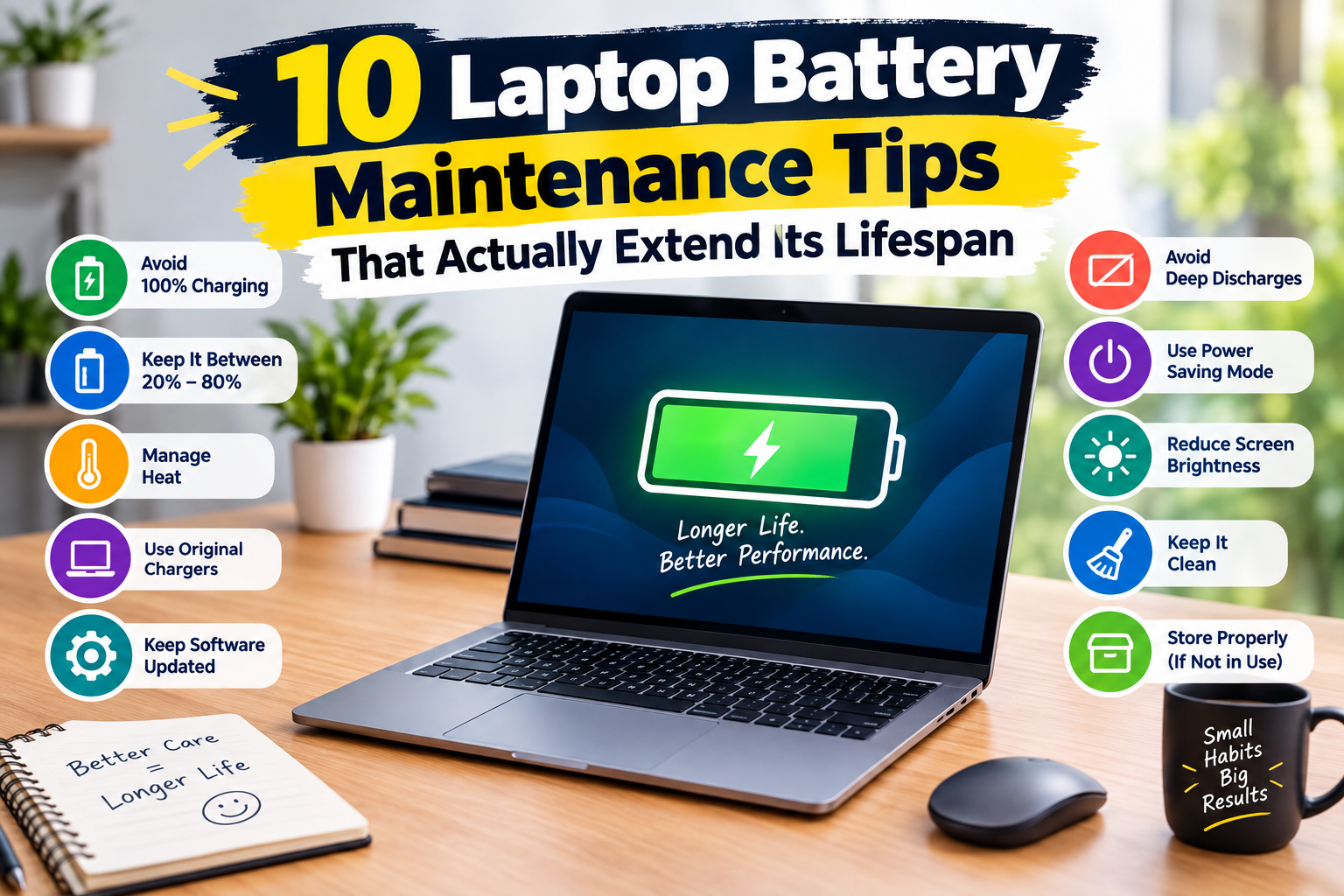
Most laptop battery advice still circulating online is left over from older nickel-based battery chemistry and actively works against modern lithium-ion batteries. Here are 10 habits that actually extend a modern laptop battery’s usable lifespan, based on how these batteries chemically degrade rather than outdated folklore.
1. Stop Discharging to 0% on Purpose
Older advice said to fully discharge a battery regularly to “calibrate” it. Modern lithium-ion batteries degrade faster the more often they hit a full 0% discharge — the chemistry simply doesn’t benefit from it the way older nickel-cadmium batteries did. Letting it happen occasionally by accident is fine; making a habit of it isn’t.
- 100% free
- Call direct
- Voice search
- Urdu & English
2. Avoid Leaving It at 100% for Extended Periods
Keeping a battery pinned at 100% charge for long stretches — a laptop that stays plugged in at a desk all day, every day — accelerates chemical wear more than regular charge cycling does. Many laptops now include an optimized or limited-charge mode in their settings specifically to address this; our laptop and PC repair guides cover how to enable it on the most common manufacturers if it’s not on by default.
3. The 20-80% Range Is a Genuinely Useful Target
If your laptop supports charge limiting, keeping the battery between roughly 20% and 80% for daily use measurably slows long-term capacity loss compared to habitually running it between 0% and 100%. This single habit change tends to have the biggest measurable impact of anything on this list.
4. Heat Is the Enemy, More Than Charge Level
Running a laptop hot — heavy gaming or rendering while plugged in, especially on a soft surface that blocks airflow — degrades battery chemistry faster than almost any charging habit does. Using the laptop on a hard, flat surface and keeping vents clear matters more for battery longevity than most people realize; it’s a theme that comes up throughout our tips and maintenance guides across both laptops and phones.
5. Storage Charge Level Matters If You’re Not Using It for a While
If you’re storing a laptop unused for more than a few weeks — not your daily driver, but a backup or seasonal device — store it around 50% charge rather than full or empty. Both extremes accelerate degradation during long storage periods far more than a mid-range charge does.
6. Update Software, Including Battery Management Firmware
Manufacturers regularly ship firmware and OS updates that improve how a laptop manages charging curves and thermal behavior, sometimes measurably extending real-world battery life on existing hardware. Skipping these updates means missing out on genuine efficiency improvements, not just new features.
7. Check Battery Health Through Built-In Diagnostics
Most modern laptops include a built-in way to check battery health as a percentage of original capacity, not just charge level. Checking this every few months tells you whether degradation is on a normal curve or unusually fast — the latter can indicate a manufacturing issue worth addressing under warranty rather than something to just live with. Our buying guides and reviews note which models tend to hold capacity best over several years, based on what we consistently see in repairs.
8. Reduce Background Processes Draining the Battery Unnecessarily
This won’t slow chemical degradation directly, but heavy, unnecessary background usage forces more frequent charge cycles than needed, and each cycle contributes to gradual wear. Fewer unnecessary charge cycles over a laptop’s lifetime adds up to a meaningfully longer usable battery life.
9. Use the Manufacturer’s Charger When Possible
Third-party chargers have improved, but a mismatched charger delivering inconsistent voltage or current can stress a battery’s charging circuitry over time in ways that are hard to notice until capacity has already dropped noticeably. If you do use a third-party charger, stick to ones explicitly rated for your laptop’s exact voltage and wattage.
10. Know When Replacement Beats Continued Babying
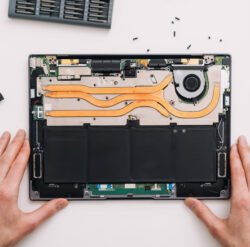
Once a battery’s health drops meaningfully below its original capacity, no amount of careful charging habit will bring it back — replacement becomes the more practical option, both for daily usability and for the health of the rest of the laptop, since a badly swollen battery can physically damage surrounding components.
Frequently Asked Questions
Is it bad to use my laptop while it’s charging?
Using it while charging isn’t inherently harmful to the battery, but combining charging with heavy processing load generates more heat than either alone — which circles back to heat being the bigger long-term concern.
How do I know if it’s time to replace my laptop battery?
Once battery health drops below roughly 80% of original capacity, most users notice a meaningful difference in real-world runtime, and that’s a reasonable point to start considering replacement rather than waiting for a full failure.
The Bottom Line
Most of what actually extends a modern laptop battery’s life comes down to avoiding extremes: extreme heat, extreme charge levels, and extended time sitting at 100%. None of these habits are dramatic changes, but consistently applied, they add real years to a battery’s useful lifespan.