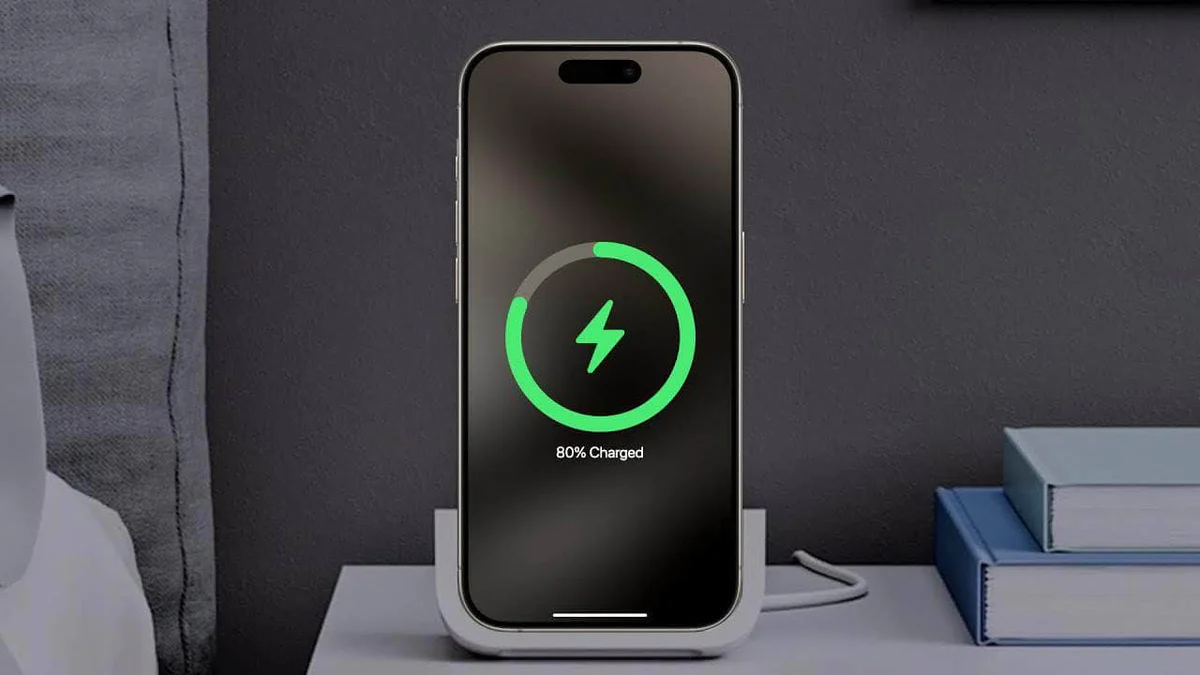
The iPhone 12 series marked a significant leap in Apple’s charging technology. For many users upgrading from older models, the introduction of enhanced wireless capabilities was a game-changer. But questions remain: Does every iPhone 12 model support wireless charging? What are the real-world speeds? And what should you do when iPhone 12 wireless charging stops working?

This comprehensive guide answers these questions with practical advice, troubleshooting steps, and expert recommendations. Whether you’re a new iPhone 12 owner or have been using one for years, you’ll find actionable insights to optimize your charging experience.
Does the iPhone 12 Support Wireless Charging?
Yes, all iPhone 12 models—including the standard iPhone 12, iPhone 12 mini, iPhone 12 Pro, and iPhone 12 Pro Max—support wireless charging. Apple introduced this feature starting with the iPhone 8, but the iPhone 12 brought notable improvements.
The iPhone 12 uses the Qi wireless charging standard, which is the most widely adopted open standard. This means it works with thousands of third-party chargers available on the market.
Key Specifications for iPhone 12 Wireless Charging
- Standard Qi Charging: Up to 7.5W
- MagSafe Charging: Up to 15W (with compatible MagSafe chargers and a strong power adapter)
- Backward Compatibility: Works with any Qi-certified pad, though speeds vary
The built-in magnets (MagSafe) allow for precise alignment, making charging more reliable and faster compared to older iPhones.
How MagSafe Enhances iPhone 12 Wireless Charging
One of the standout features of the iPhone 12 series is MagSafe technology. Unlike basic Qi pads where alignment is guesswork, MagSafe uses a ring of magnets to snap the phone perfectly into place.

This magnetic alignment:
- Ensures optimal coil positioning for efficient power transfer
- Supports faster 15W charging
- Enables a growing ecosystem of accessories like wallets, stands, and car mounts
Real-world scenario: Imagine placing your iPhone 12 on a nightstand charger in the dark. With MagSafe, it clicks into place securely—no more adjusting or checking if it’s charging.
For best results, pair your iPhone 12 with a 20W or higher USB-C power adapter when using a MagSafe charger.
Setting Up Wireless Charging on Your iPhone 12
Getting started with iPhone 12 wireless charging is straightforward:
- Connect your wireless charger to a power source using the appropriate adapter.
- Place it on a flat, stable surface.
- Remove any thick or metallic case if needed (more on this later).
- Gently place your iPhone 12 on the charger. With MagSafe, you’ll feel the magnetic connection.
Your iPhone should display the charging icon within seconds. If it doesn’t, proceed to the troubleshooting section below.
Common Reasons Why iPhone 12 Wireless Charging Is Not Working
Even with reliable hardware, issues can arise. Here are the most frequent causes:
- Misalignment: The phone isn’t centered properly on the charging coil.
- Case Interference: Thick cases, metal plates, or magnetic accessories can block or weaken the signal.
- Debris or Dirt: Dust, lint, or residue on the charger or phone back.
- Overheating: The iPhone may pause charging if it gets too warm.
- Software Glitches: Outdated iOS or temporary bugs.
- Faulty Charger: Low-quality or non-certified pads.
- Hardware Problems: Rare issues with the internal charging coil.
Step-by-Step Fixes: Troubleshooting iPhone 12 Wireless Charging Not Working
If your iPhone 12 wireless charging stops working, follow these steps in order:
1. Check Alignment and Positioning
Reposition your phone carefully. For non-MagSafe chargers, try shifting it slightly until you hear the charging tone or see the icon.
Tip: Use a MagSafe charger for automatic perfect alignment.
2. Remove the Case
Thick cases (especially those with metal or credit card holders) are a top culprit. Test without the case first.
3. Clean the Surfaces
Wipe both the back of your iPhone and the charging pad with a soft, lint-free cloth. Avoid liquids unless using screen-safe cleaners.
4. Force Restart Your iPhone 12
This resolves many temporary software issues:
- Quickly press and release the Volume Up button.
- Quickly press and release the Volume Down button.
- Press and hold the Side button until the Apple logo appears.
Many users report this instantly fixes wireless charging problems.
5. Update iOS and Check Battery Health
Go to Settings > General > Software Update. Install any available updates. Then check Settings > Battery > Battery Health to ensure your battery isn’t severely degraded.
6. Test with Different Chargers
Try another Qi-certified or MagSafe charger. This helps isolate whether the issue is with your pad or the phone.
7. Cool Down Your Device
If the phone feels warm, let it cool for 10–15 minutes before retrying.
8. Reset All Settings (Last Resort)
If nothing works: Settings > General > Transfer or Reset iPhone > Reset > Reset All Settings. This won’t delete your data.
Choosing the Right Wireless Charger for iPhone 12
Not all chargers perform equally. Here’s what to look for:
| Charger Type | Max Speed | Best For | Recommendation |
|---|---|---|---|
| Basic Qi Pad | 7.5W | Budget, everyday use | Reliable third-party options |
| MagSafe Charger | 15W | Fast charging, accessories | Apple or certified equivalents |
| Stand-Style | 7.5–15W | Desk use, video calls | Anker or similar brands |
| 3-in-1 Stations | Varies | Charging multiple devices | Nightstand convenience |
Expert Tip: Invest in Qi-certified or MagSafe-compatible chargers from reputable brands to avoid compatibility headaches.
Benefits and Drawbacks of iPhone 12 Wireless Charging
Benefits:
- Convenience: Just drop your phone—no fumbling with cables.
- Reduced wear on the Lightning port.
- Magnetic alignment with MagSafe makes it reliable.
- Supports ecosystem accessories.
Drawbacks:
- Slower than wired charging (especially non-MagSafe).
- Generates more heat.
- Requires precise placement without magnets.
- Higher cost for premium MagSafe options.
In daily use, the convenience often outweighs the slightly slower speeds for overnight or desk charging.
Practical Tips for Optimal Performance
- Use a 20W+ adapter with MagSafe for fastest speeds.
- Avoid charging in direct sunlight or hot environments.
- For car mounts, choose MagSafe-compatible ones for stability.
- Monitor charging habits: Wireless is great for topping up, but wired may be better for full charges when in a hurry.
Real-world example: Commuters often place their iPhone 12 on a car wireless charger. With proper alignment, it maintains battery level during navigation and music playback.
Comparing iPhone 12 Wireless Charging to Newer Models
While newer iPhones support even faster wireless speeds (up to 25W in some cases), the iPhone 12 remains highly capable. Its MagSafe implementation set the foundation for modern wireless charging, and with Qi2 emerging as a standard, many new chargers work excellently with it.
Additional Accessories to Enhance Your Setup
Consider MagSafe cases, battery packs, and wallets that integrate seamlessly. These turn your charging routine into a more productive and organized experience.
Conclusion
The iPhone 12 fully supports wireless charging, offering both standard Qi compatibility and impressive 15W speeds via MagSafe. While occasional issues with iPhone 12 wireless charging not working can occur, most are easily fixed through simple steps like repositioning, cleaning, case removal, or a force restart.
By choosing quality chargers, maintaining good habits, and applying the troubleshooting methods outlined here, you can enjoy reliable, cable-free power for years to come. Whether for home, office, or travel, wireless charging adds genuine convenience to your iPhone 12 experience.
Actionable Takeaways:
- Always start troubleshooting with alignment and case removal.
- Invest in a certified MagSafe charger for best results.
- Keep your iOS updated for optimal performance.
- Combine wireless for convenience with wired for speed when needed.
Smart charging choices will help you maximize your iPhone 12’s battery life and usability.
For more on wireless charging standards, check Apple’s official guide on how to wirelessly charge your iPhone.
Explore popular options and user reviews on Amazon wireless chargers.
Community discussions on Reddit iPhone forums often share real-user fixes for specific issues.
Related posts:
![Apple iPhone 17e Unlocked by RedPocket Mobile]()
Apple iPhone 17e Unlocked by RedPocket Mobile: Best Budget Deal in 2026?
![How to Reset Network Settings on iPhone: Ifixit]()
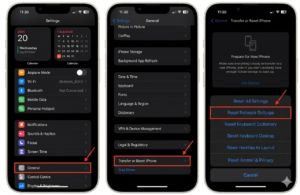
How to Reset Network Settings on iPhone: The Complete 2025 Troubleshooting Guide
![How Can You Find a Reliable Phone Repair Service Near You]()
How Can You Find a Reliable Phone Repair Service Near You?
![How to Fix Android Phone Not Charging Properly ifixit.org.uk]()
How to Fix Android Phone Not Charging Properly: 2026 Troubleshooting Guide
![How to Fix iPhone Stuck on Apple Logo Screen?]()
How to Fix iPhone Stuck on Apple Logo Screen?
![Can You Fix a Broken Screen Without Replacing the Entire Device?]()
How Can You Fix a Broken Screen Without Replacing the Entire Device?
![ifixit.org.uk]()
How to Fix Horizontal Lines on Android Phone: Ultimate Troubleshooting and Repair Guide
![how to unhide apps on iphone]()
How to Unhide Apps on iPhone: A Complete, Step-by-Step Guide