Quick answer: Repair your phone if the fix costs less than about half of what the phone is worth today, it still gets security updates, and nothing else is failing. Replace it if repairs are expensive, updates have ended, or several parts are wearing out at once.
- 100% free
- Call direct
- Voice search
- Urdu & English
A cracked screen or a dying battery forces a quick money decision. This iFixit UK guide gives you a simple way to decide, the questions to ask a repair shop, and a free calculator that compares repair against replacement using your own prices.
What Does “Repair vs Replace” Really Mean?
It is a comparison of the total cost and the remaining useful life of your current phone against the cost of a new or refurbished one.
- Repair cost: parts plus labour, and any extra fixes likely soon.
- Phone value: what you could sell it for today in good condition.
- Remaining life: how long it will still get software and security updates.
- Replacement cost: price of a new or refurbished phone you would actually buy.
Common Faults: Repair or Replace?
| Problem | Usually repair if… | Usually replace if… |
|---|---|---|
| Cracked screen | Phone is under 4 years old and still updated | Screen costs more than half the phone’s value |
| Weak battery | Almost always worth it; it is a cheap fix | The phone has other faults too |
| Charging port | Port cleaning or replacement fixes it | Board damage is found |
| Water damage | Caught early and only one part failed | Several functions stopped working |
| Slow performance | Storage cleanup and reset help | Updates have ended and apps no longer run well |
How to Decide in Four Steps
1. Get a written repair quote
Ask for the full price, the part quality (original or compatible) and the warranty on the repair.
2. Check your phone’s value
Look at recent sold prices for your model in working condition on trade-in and second-hand sites.
3. Check update support
Search your maker’s support pages to see how long your model will receive security updates. A phone without updates becomes riskier for banking and email.
4. Compare with a replacement
Price a refurbished version of a newer model, not only a brand-new flagship.
Free Repair or Replace Calculator
Enter your numbers to get a clear recommendation. It runs in your browser and saves nothing.
Repair or Replace Calculator
Use real quotes and current resale prices.
Repair Options in the UK
- Manufacturer or authorised repair: original parts and warranty, usually the highest price.
- Independent repair shops: often cheaper and faster; ask about part quality and warranty.
- DIY repair: possible for some models with the right kit and guide, but risky for screens and glued batteries.
- Insurance or warranty: check before paying; you may already be covered.
Who Should Repair First?
- Students: a battery or screen fix is far cheaper than a new phone.
- Freelancers: a quick same-day repair keeps you working.
- Families: repaired phones make good hand-me-downs.
- Small businesses: repairing staff phones keeps costs predictable.
Benefits of Repairing
- Lower cost in most cases.
- No need to move data and set up a new phone.
- Less electronic waste.
Risks to Watch
- Low-quality parts can affect display colour, touch or battery life.
- Water resistance may not be the same after opening the phone.
- Repairing a phone that no longer gets updates leaves security risks.
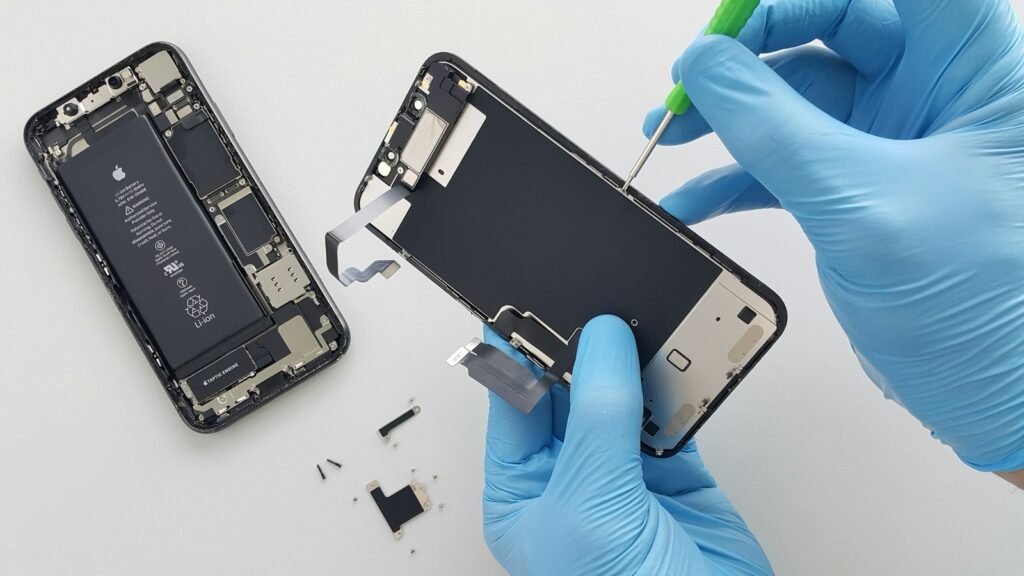
If you do replace your phone, recycle the old one properly. Recycle Your Electricals helps you find UK drop-off points.
How to Get Started
- Back up your phone.
- Get one or two written repair quotes.
- Check resale value and update support for your model.
- Use the calculator above.
- Book the repair with a warranty, or compare refurbished phones.
Frequently Asked Questions
Is it worth replacing a phone battery?
Usually yes. A battery is one of the cheapest repairs and can make an older phone feel new again.
What is the 50% rule for repairs?
A common rule of thumb: if a repair costs more than about half of the phone’s current value, consider replacing it instead.
Does a third-party repair void my warranty?
It can affect manufacturer warranty coverage for related parts. Check your warranty terms before repairing.
Should I buy refurbished instead of new?
Refurbished phones from reputable sellers with a warranty can offer good value and longer update support than an old model.
How do I know if my phone still gets updates?
Check your maker’s support or security update page for your exact model.
Can water damage be fixed?
Sometimes, if treated quickly. Turn the phone off and take it to a repair shop instead of charging it.
Final Thoughts
- Repair when it costs under about half the phone’s value and updates continue.
- Replace when repairs are costly, updates have ended or many parts fail.
- Always get a written warranty.
Explore More
- Phone Repair Guides on iFixit UK
- Tips & Maintenance
- For easy tech explainers, read TechWiseToday.