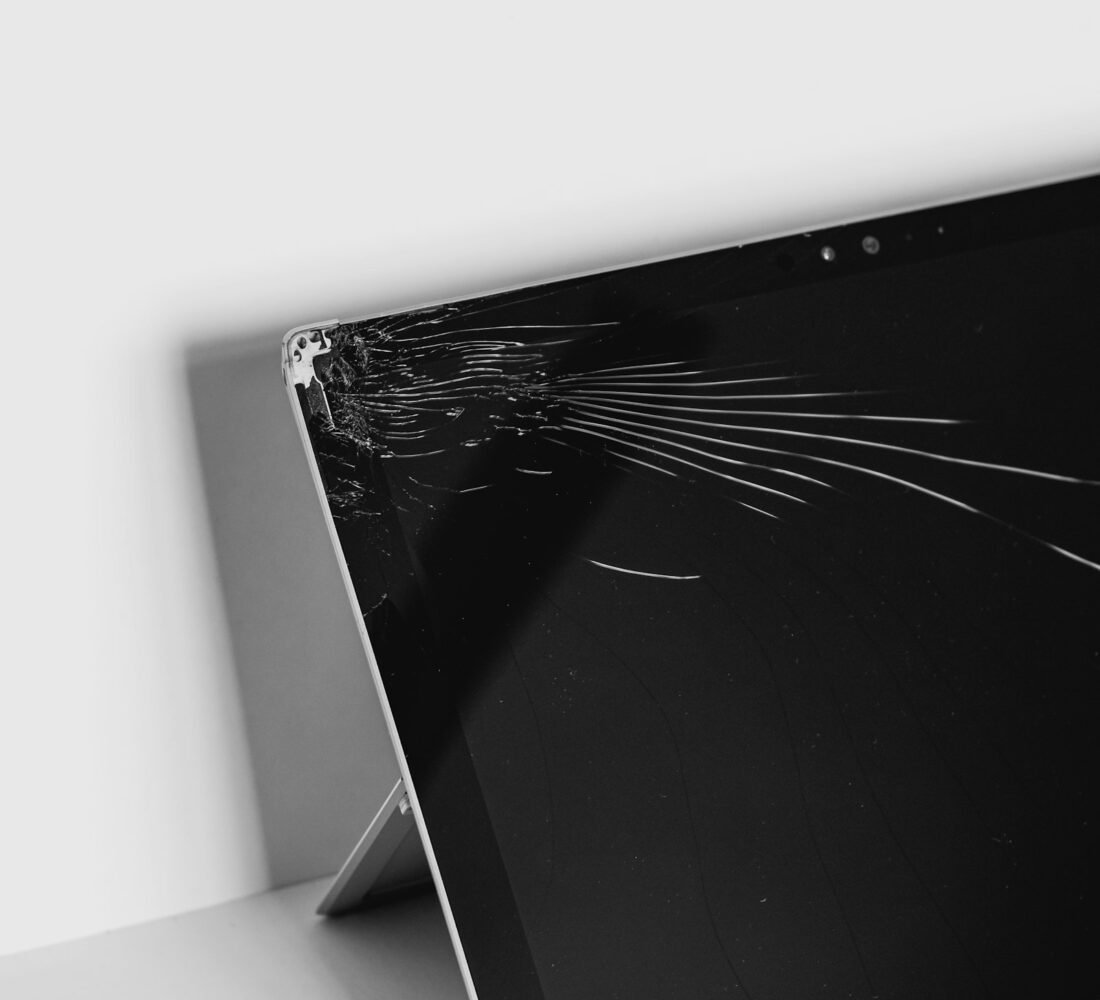
A laptop screen usually cracks in a second: a phone left on the keyboard when the lid closes, a bag dropped on a hard floor, a toddler with a toy. The laptop still turns on, but half the display is a mess of lines and black patches, and you need it for work tomorrow.
The question is whether a cracked laptop screen is worth fixing. Often it is, because the screen is a self-contained part and the rest of the laptop is fine. But on some models the cost climbs close to a new machine. This guide explains how to check the damage, what repairs typically cost in the UK, whether DIY is realistic, and how to decide. For a wider framework, see our guide to repair vs replace in 2026.
Step 1: Work Out What Is Actually Broken
Not every “cracked screen” is the same repair. Check three things:
- Is it the glass, the panel or both? Many laptops have no separate glass: the LCD panel itself is cracked. Others, especially touchscreens and MacBooks, have a glass layer bonded to the panel.
- Does an external monitor work? Plug the laptop into a TV or monitor with HDMI or USB-C. If the external display looks normal, the rest of the laptop is healthy and only the screen needs replacing.
- Is the hinge or lid damaged? A bent lid or broken hinge adds parts and labour to the repair.
If the external display also shows lines or nothing at all, the problem may be the graphics chip or motherboard, which is a very different (and usually more expensive) repair.
Step 2: Protect Your Data Now
A cracked screen can spread or fail completely. While you can still see enough to work, or while connected to an external monitor, back up your files. An external drive is the quickest option; our guide to the best external SSDs for backing up before a repair covers good choices. Back up before handing the laptop to any repair shop.
Typical UK Repair Costs
Prices vary by model, part quality and shop, but these ranges give a realistic idea of what to expect:
| Laptop type | Typical screen repair cost | Notes |
|---|---|---|
| Budget Windows laptop (non-touch) | £70–£150 | Standard panels, widely available |
| Mid-range Windows laptop | £120–£250 | Higher resolution or high-refresh panels cost more |
| Touchscreen / 2-in-1 | £150–£350 | Glass and digitiser often replaced together |
| MacBook Air / Pro | £300–£700+ | Usually the whole display assembly is replaced |
| Chromebook | £60–£130 | Often simple, but check the laptop’s age |
Ask any shop whether the price includes a genuine or “OEM-equivalent” panel, labour, and a warranty on the repair.
Can You Replace It Yourself?
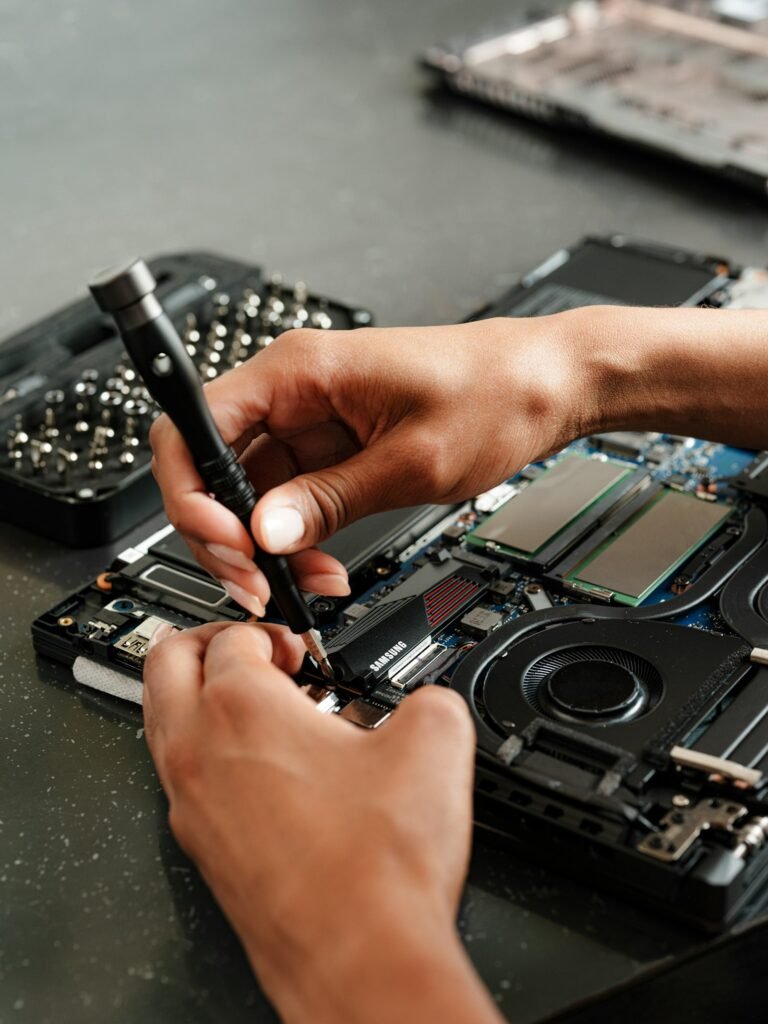
On many budget and mid-range Windows laptops, a screen swap is one of the more achievable DIY repairs. The panel often sits behind a clip-on bezel, held by four screws and a single ribbon cable. Replacement panels are sold by model number, which is printed on a sticker on the back of the old panel.
DIY is realistic when:
- The screen is non-touch and not glued in
- You can find the exact panel part number
- You have a small screwdriver set, plastic pry tools and patience
DIY is risky when the screen is glued, part of a sealed assembly (MacBooks, many ultrabooks), or bonded to touch glass. Cracked glass also cuts easily, so wear gloves and eye protection. The most common DIY failure is damaging the fragile display cable, which our guide to the DIY repair mistake that destroys laptops covers in detail.

Repair or Replace? A Simple Rule
Use these questions to decide:
- How old is the laptop? Under four years old, a screen repair is usually worth it. Over six years, think harder.
- What would a similar laptop cost new? If the repair is more than about half of that, consider replacing.
- Is the rest of it healthy? A good battery, enough storage and acceptable speed make repair more attractive.
- Is it still getting updates? An old laptop that can’t run a supported operating system is a weak candidate for an expensive repair.
Consumer group Which? publishes laptop reviews and buying advice that can help you price a realistic replacement before you decide.
Questions to Ask Any Repair Shop
Screen repair quality varies a lot between shops. Before you hand over your laptop, ask:
- What panel will you fit? Ask whether it’s original manufacturer stock, a matching OEM-equivalent or a cheaper compatible part. Resolution, brightness and refresh rate should match your original screen.
- Is the quote fixed? Get a written price that includes parts, labour and VAT.
- How long is the repair warranty? Three to twelve months is common. Ask what it covers, such as dead pixels or backlight bleed.
- Do you need my password? Most screen repairs don’t. If a shop insists on full access to your account, ask why, or create a temporary guest account.
- How will you test it? A good shop checks the new panel for dead pixels, uniform brightness and that the webcam and Wi-Fi antennas (which often run through the lid) still work.
Manufacturer repair services can cost more but often use original parts and keep any remaining warranty valid. Independent shops are usually cheaper and faster, especially for common Windows models.
What If the Laptop Is Still Under Warranty?
Standard manufacturer warranties usually exclude accidental damage, so a cracked screen from a drop is normally not covered. However, if the screen cracked without any impact, or developed lines or flicker on its own, it may be a manufacturing defect. Contact the manufacturer before going elsewhere, because opening the laptop at an independent shop can complicate a warranty claim. If you bought accidental damage cover with the laptop or through a card or bank account, check that too.
A Cheap Temporary Workaround
If money is tight or you need time to decide, use the laptop with an external monitor, keyboard and mouse. A second-hand monitor costs little and turns a cracked laptop into a usable desktop. Just keep the lid open slightly or check that the laptop stays awake with the lid closed in its power settings.
How to Avoid Cracking the Next Screen
- Never close the lid on a pen, earbuds or a phone charger
- Carry the laptop in a padded sleeve, even inside a backpack
- Don’t pick up an open laptop by the screen
- Keep it off the floor and away from sofa cushions where it can be sat on
- Consider accidental damage cover if you travel a lot
Frequently Asked Questions
Does home insurance cover a cracked laptop screen?
Some policies cover accidental damage, often as an optional extra. Check your excess, since it may be higher than the repair cost.
Can a cracked laptop screen get worse?
Yes. Pressure and temperature changes can spread cracks and kill more of the display, so back up your data quickly.
How long does a screen repair take?
If the part is in stock, many shops finish the same day or within two to three days. Ordered parts can take a week.
Is a used or refurbished panel OK?
It can be, as long as the shop offers a warranty and the panel matches your laptop’s exact specification.
Before you decide, it helps to know why laptops fall outside the UK right to repair rules and what rights you do have.
The Bottom Line
A cracked laptop screen is often one of the most worthwhile repairs, especially on laptops under four years old with otherwise healthy parts. Check whether an external monitor works, back up your data, get a quote that includes parts and warranty, and compare it with the cost of a similar new laptop. For more help deciding, browse our Repair vs Replace guides.